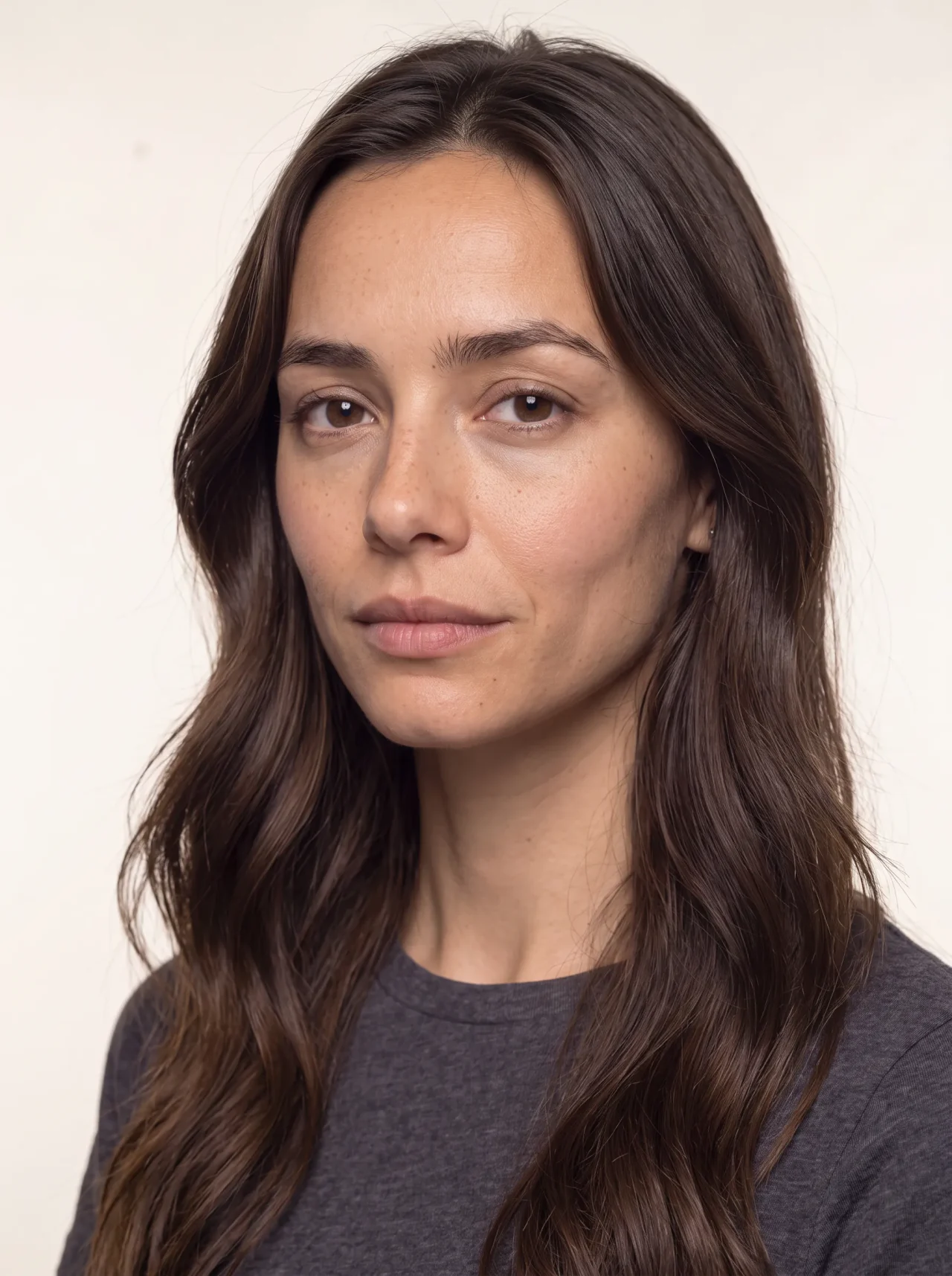
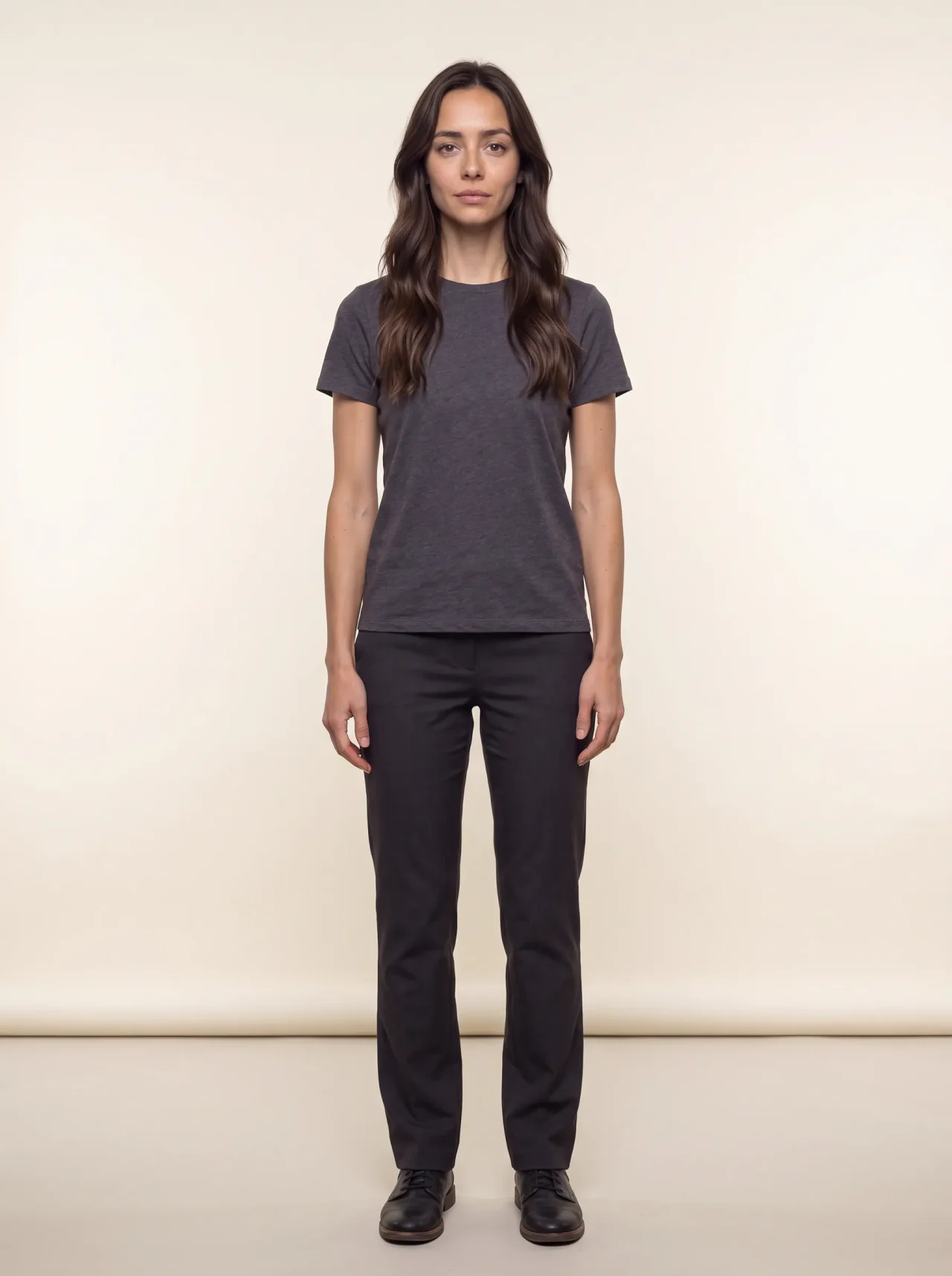
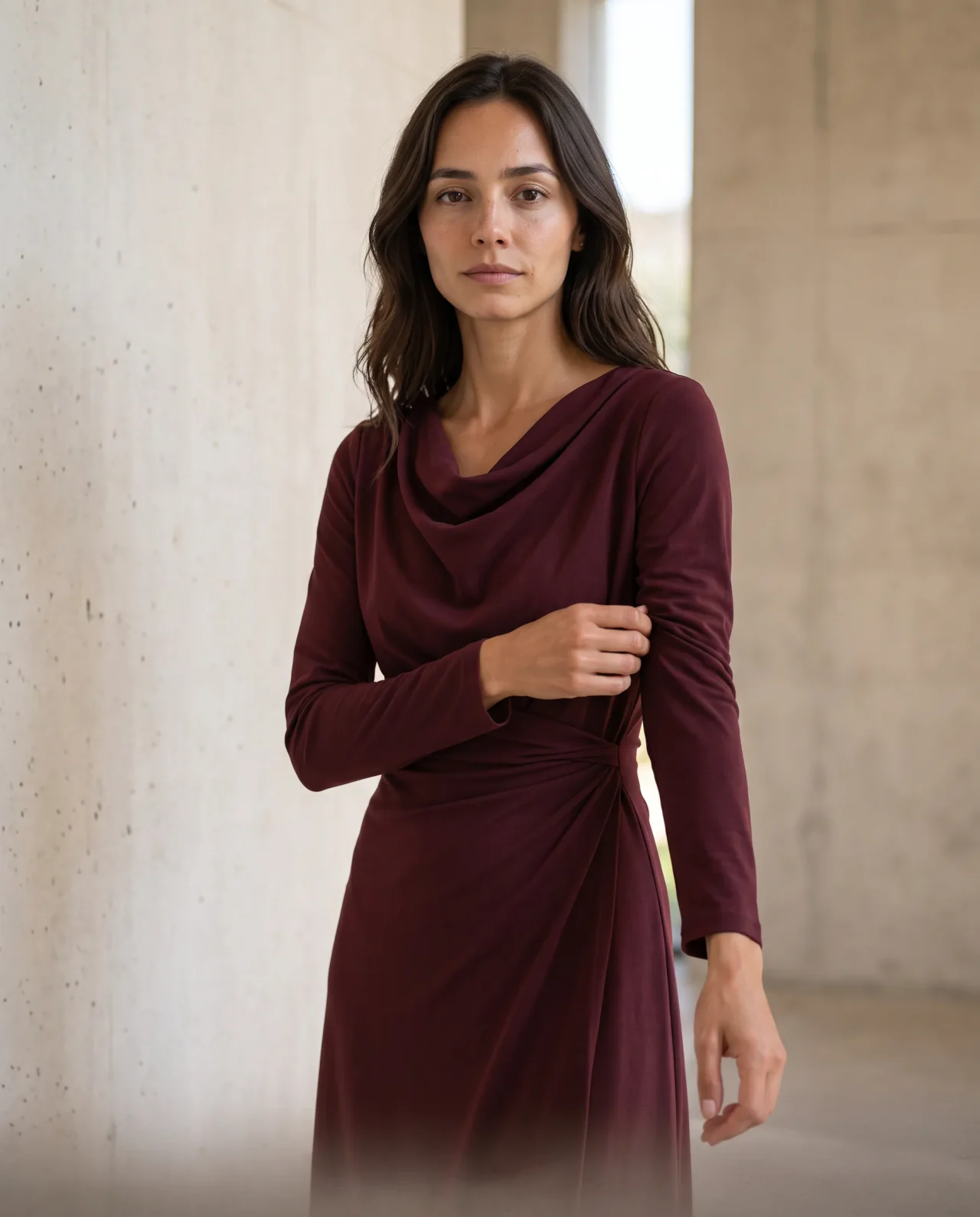
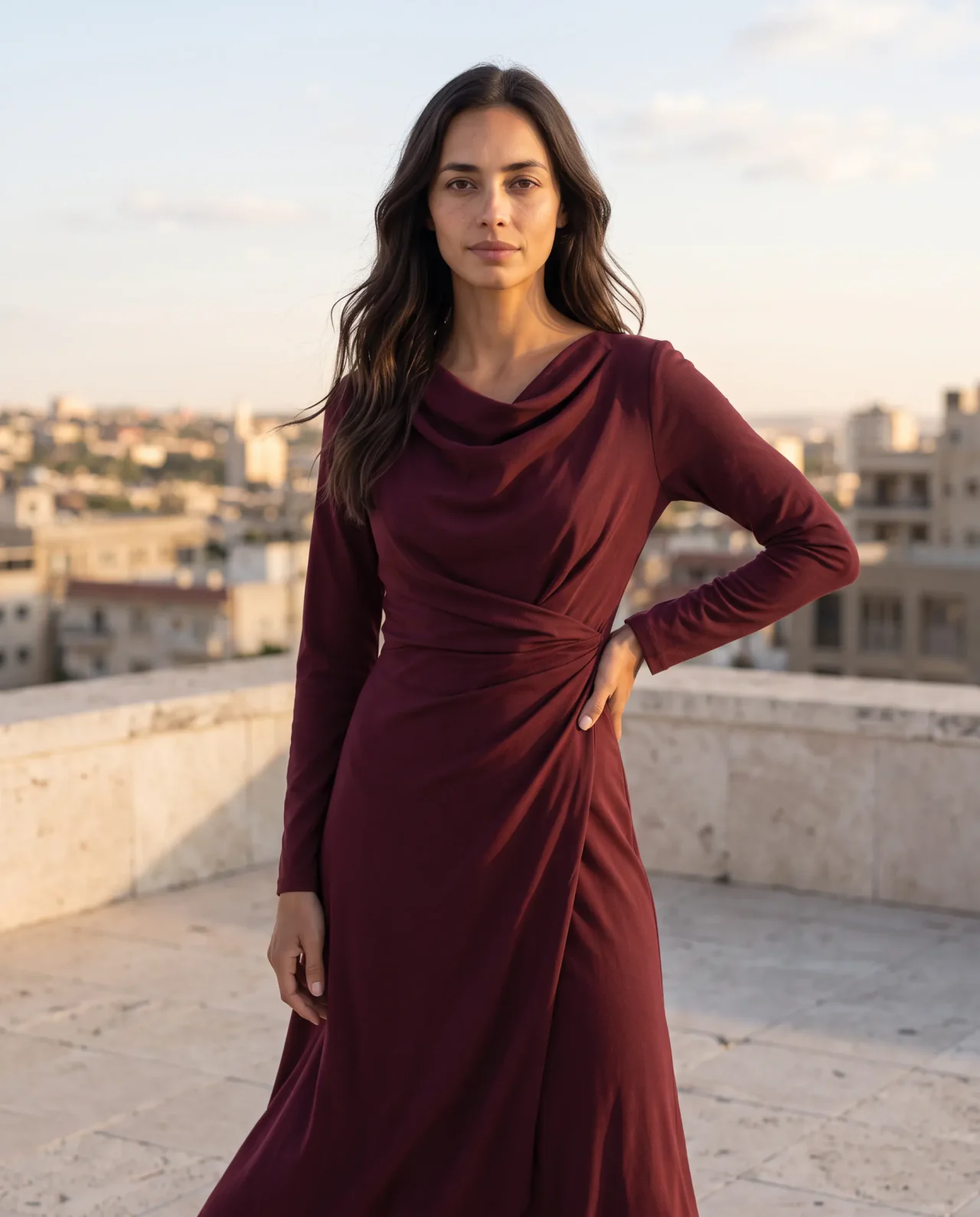
Start with a look in mind.
Describe the face and feel you want for your brand.
Create realistic on-model images from the product photos you already have, without waiting for another shoot. Choose a model that fits your brand and bring the same face into product pages, campaigns, and short videos.
10 free credits · No credit card required
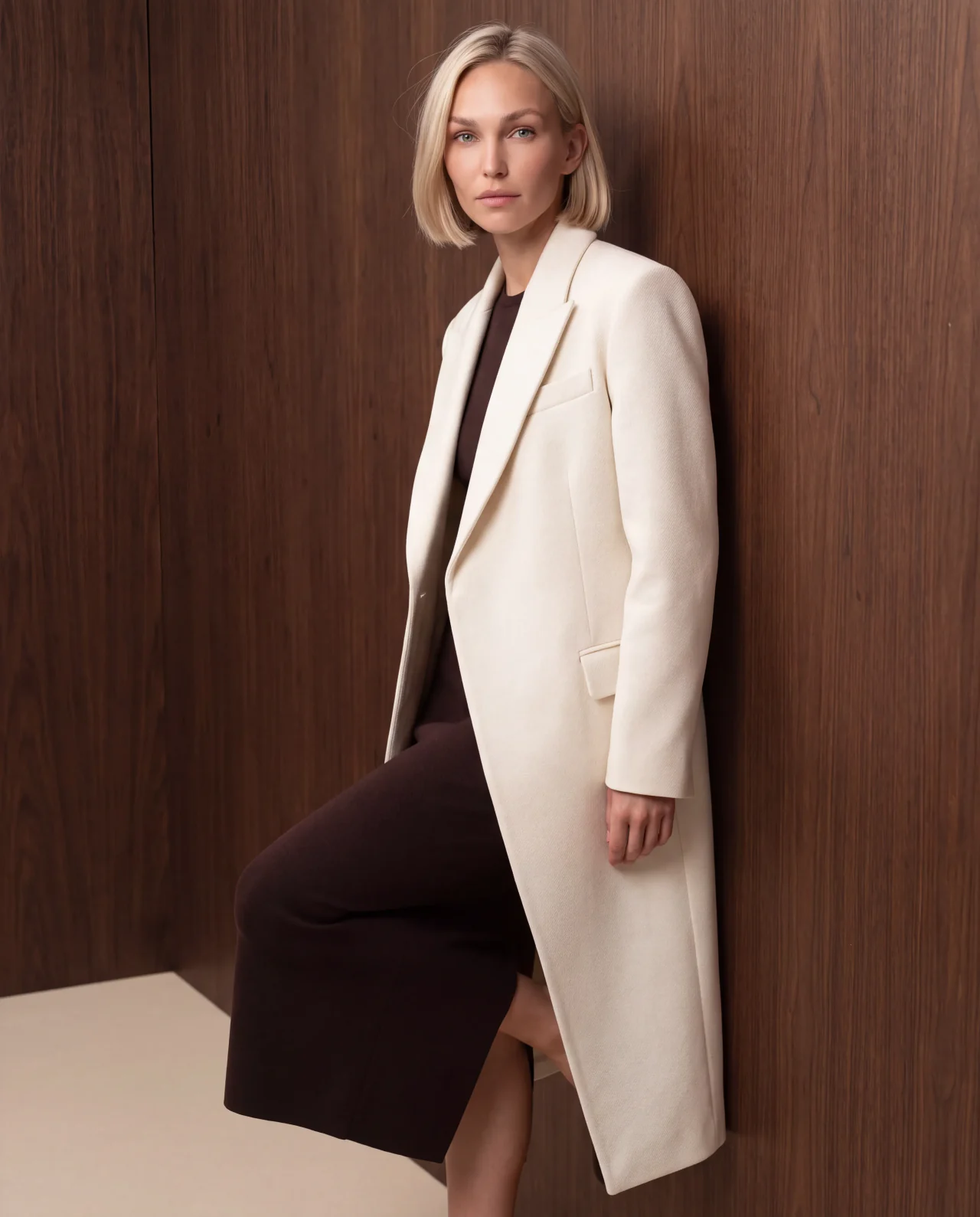
Explore distinct faces and editorial looks, from clean studio to campaign. Choose a model that fits your product and the people you're making it for.
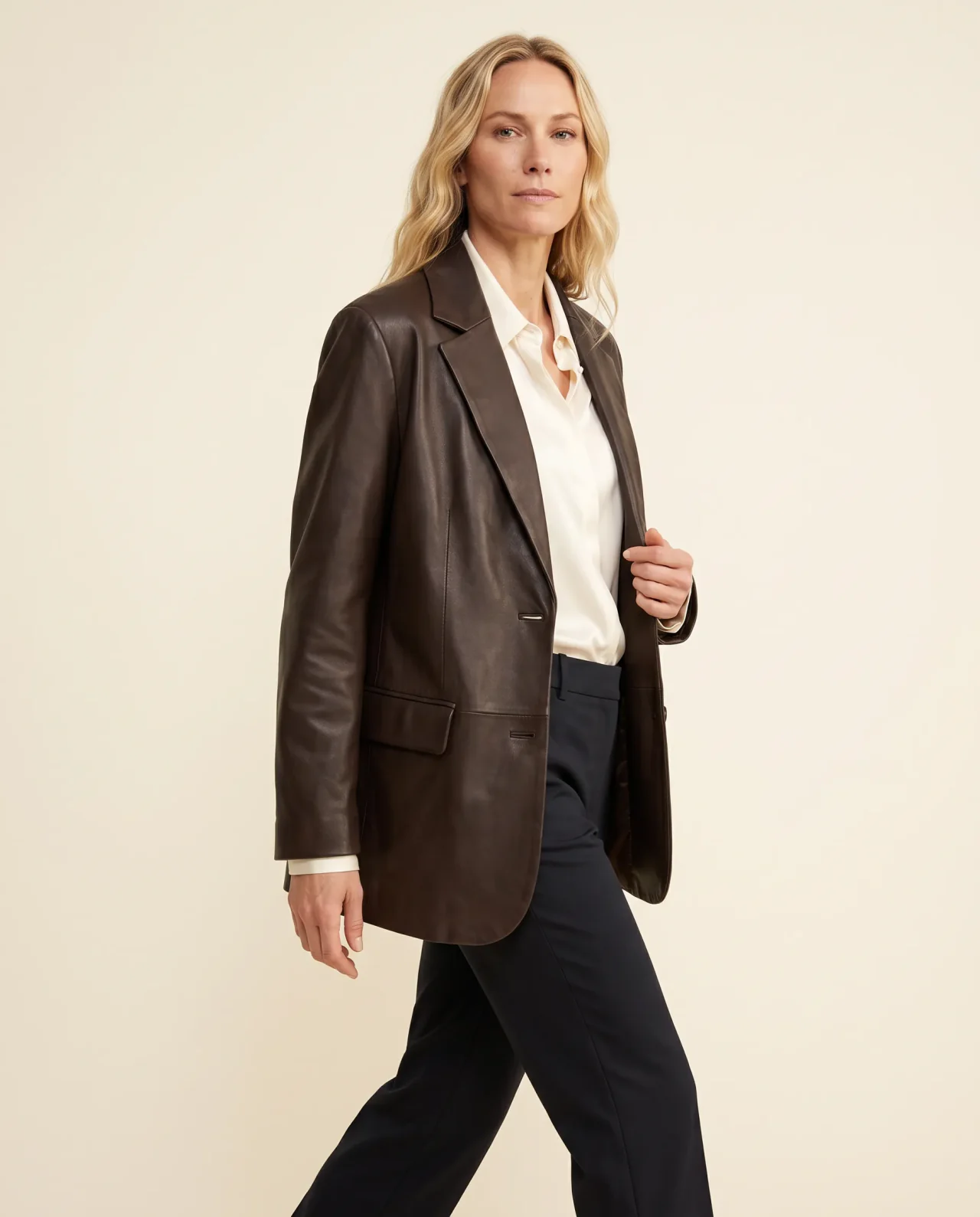
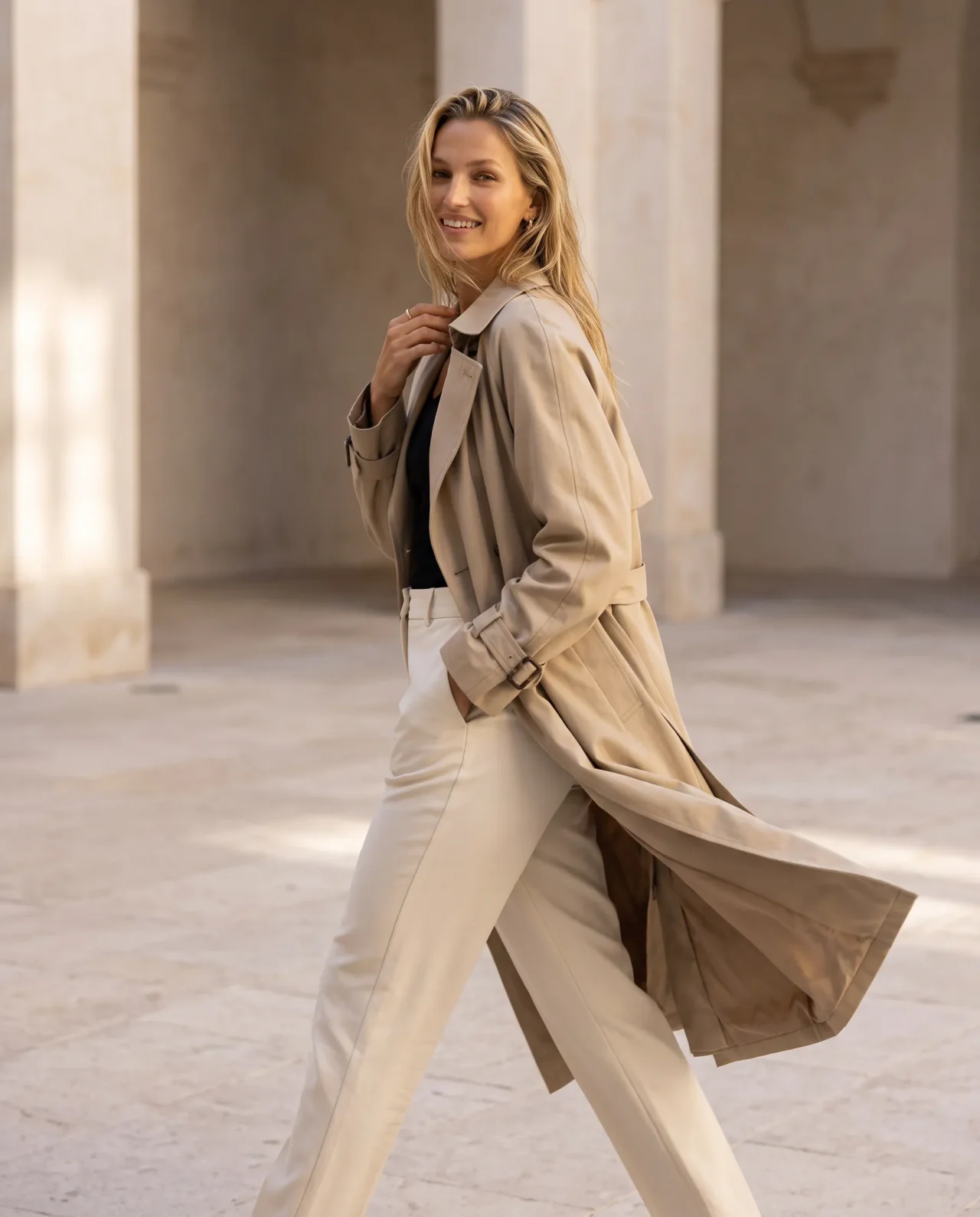
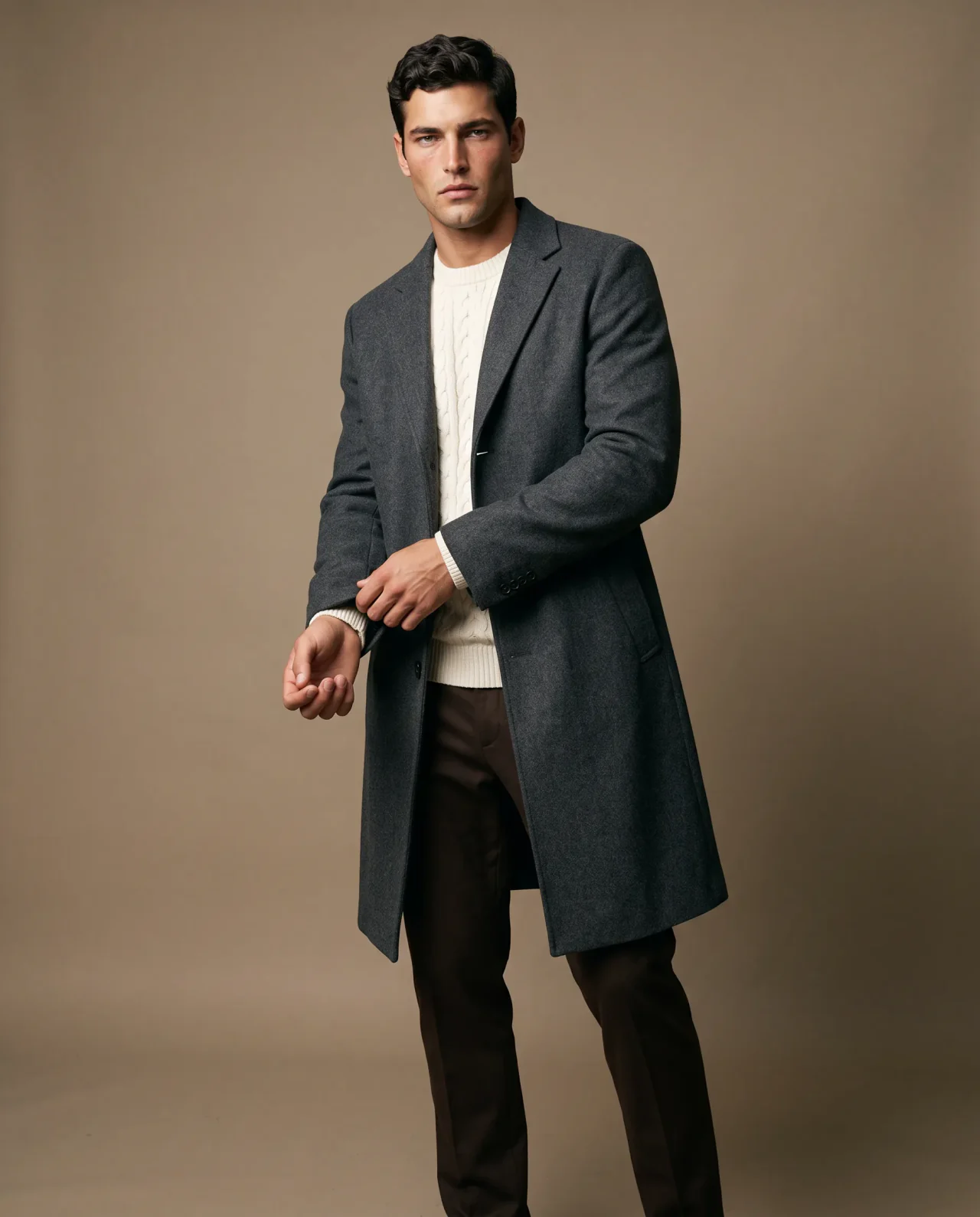
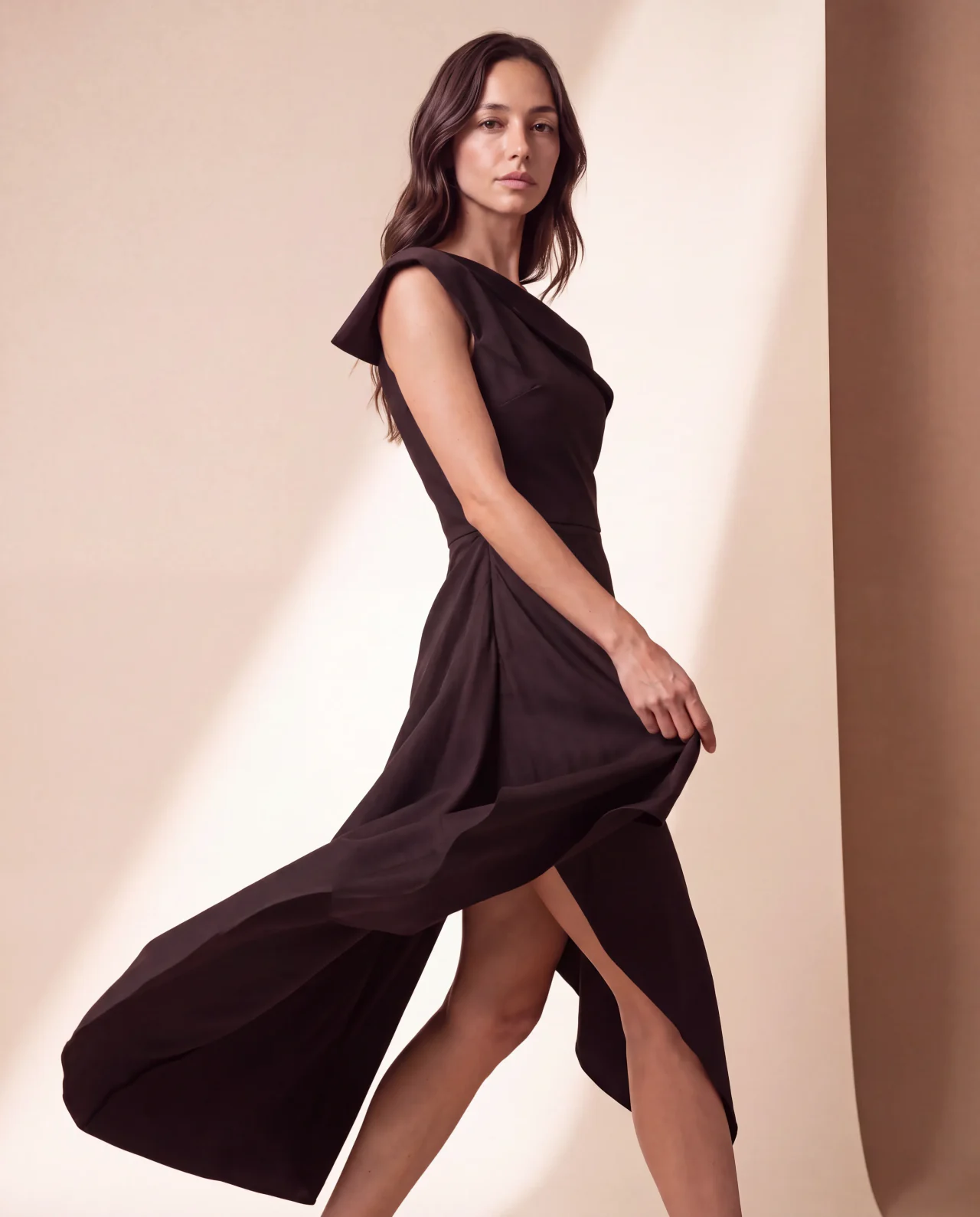
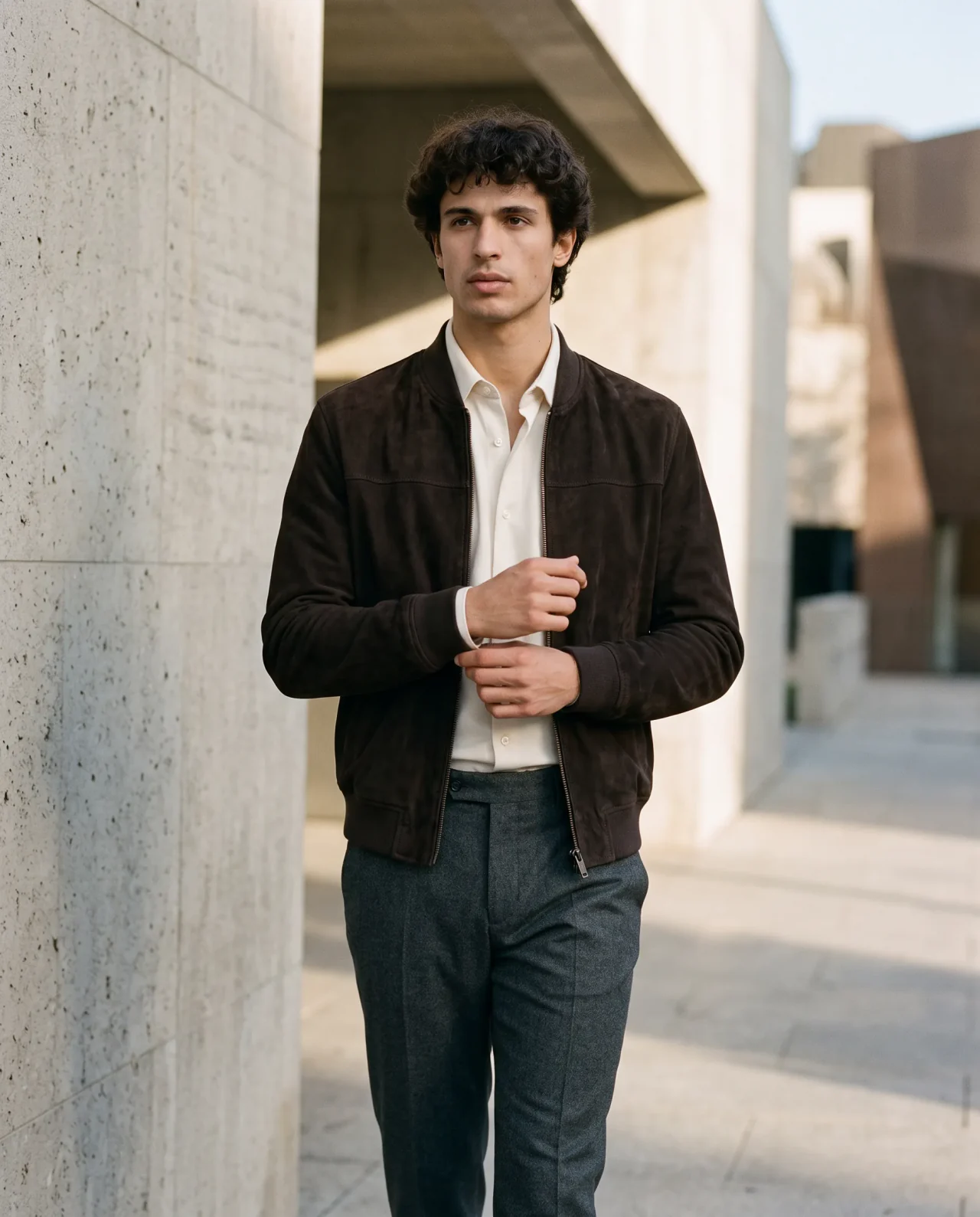
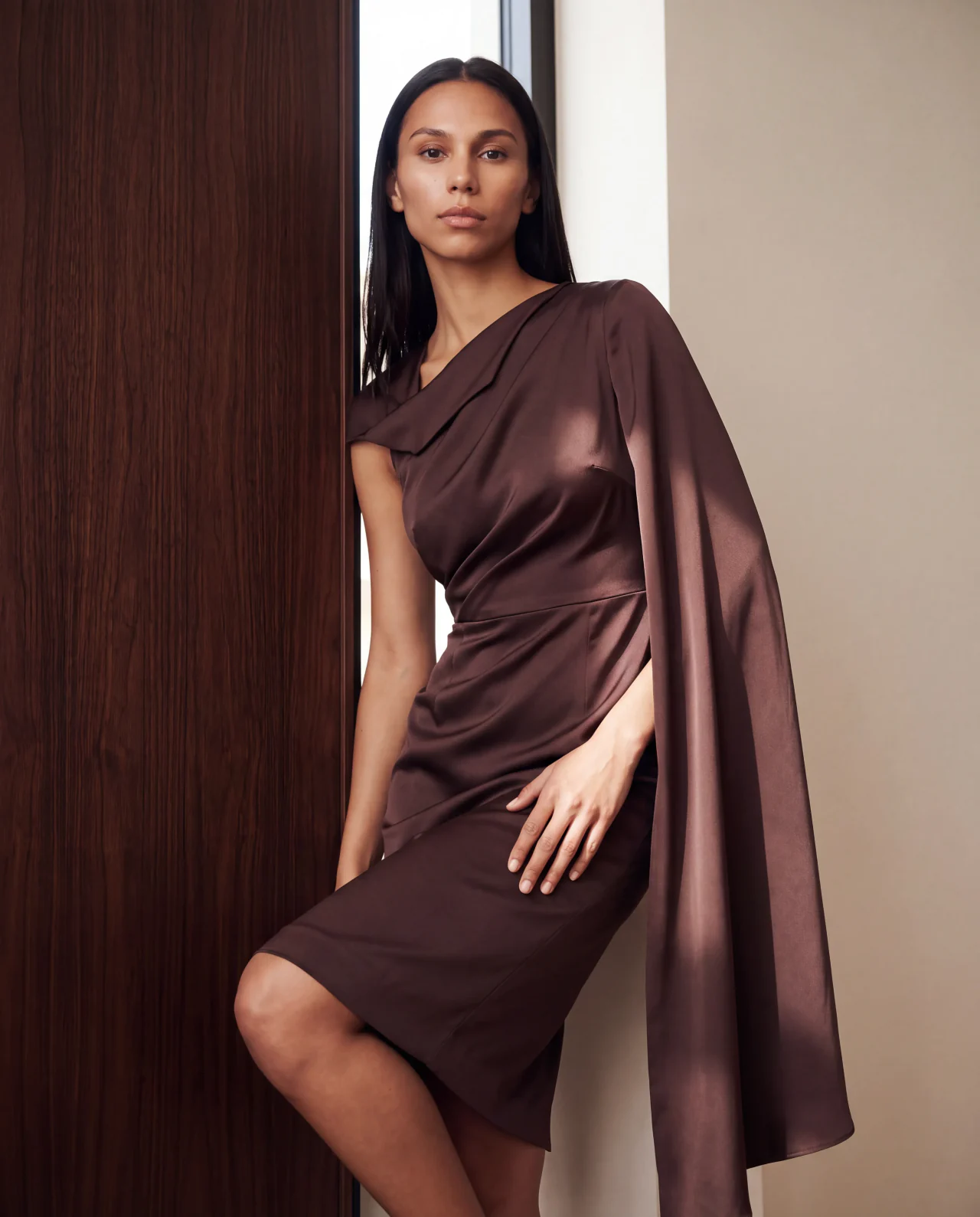
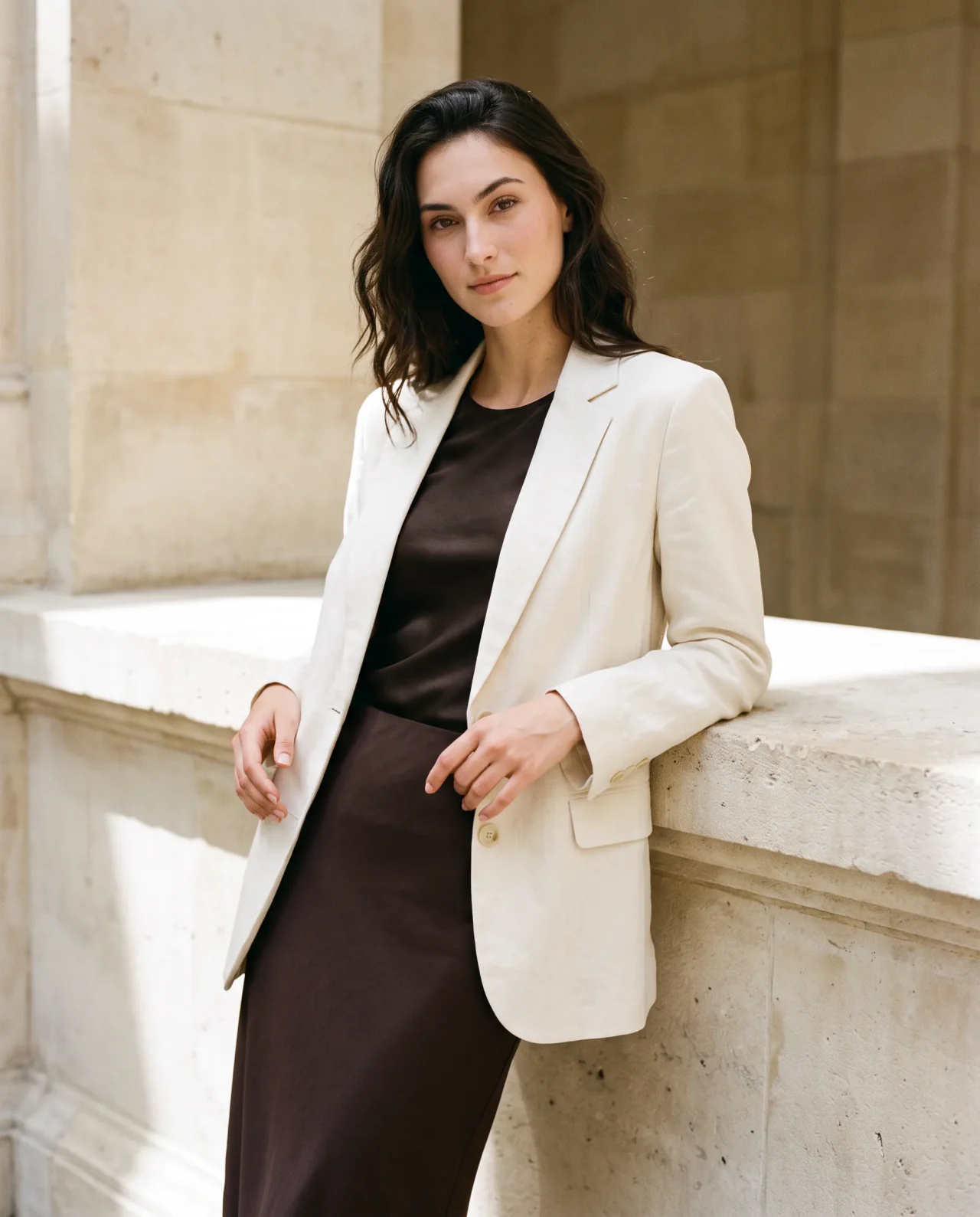
Your next launch doesn't need a new casting call.
Start with a modelShow the product in a believable shoot. Pair your existing photos with a lifelike model, then try poses and settings that help customers see it in context.
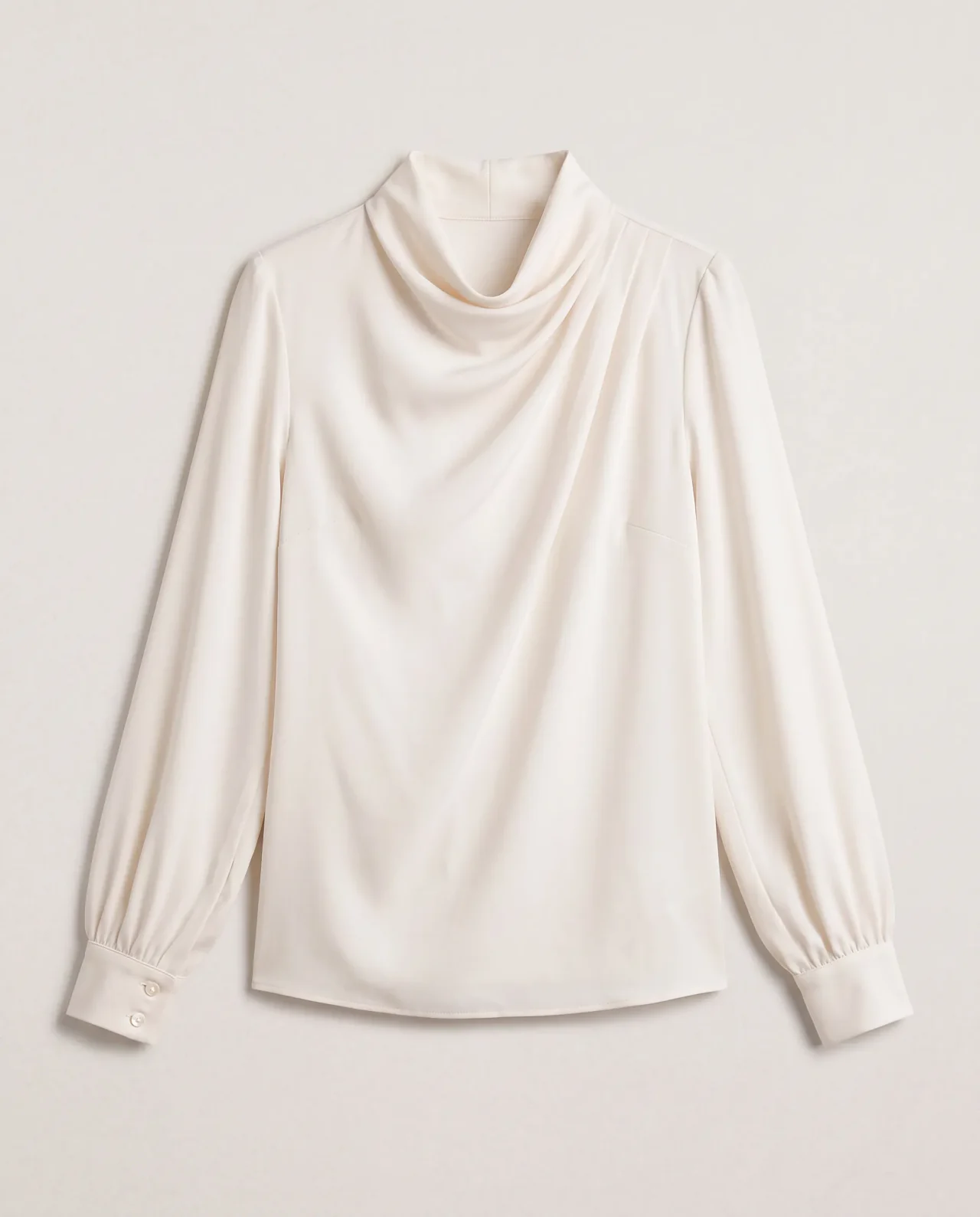
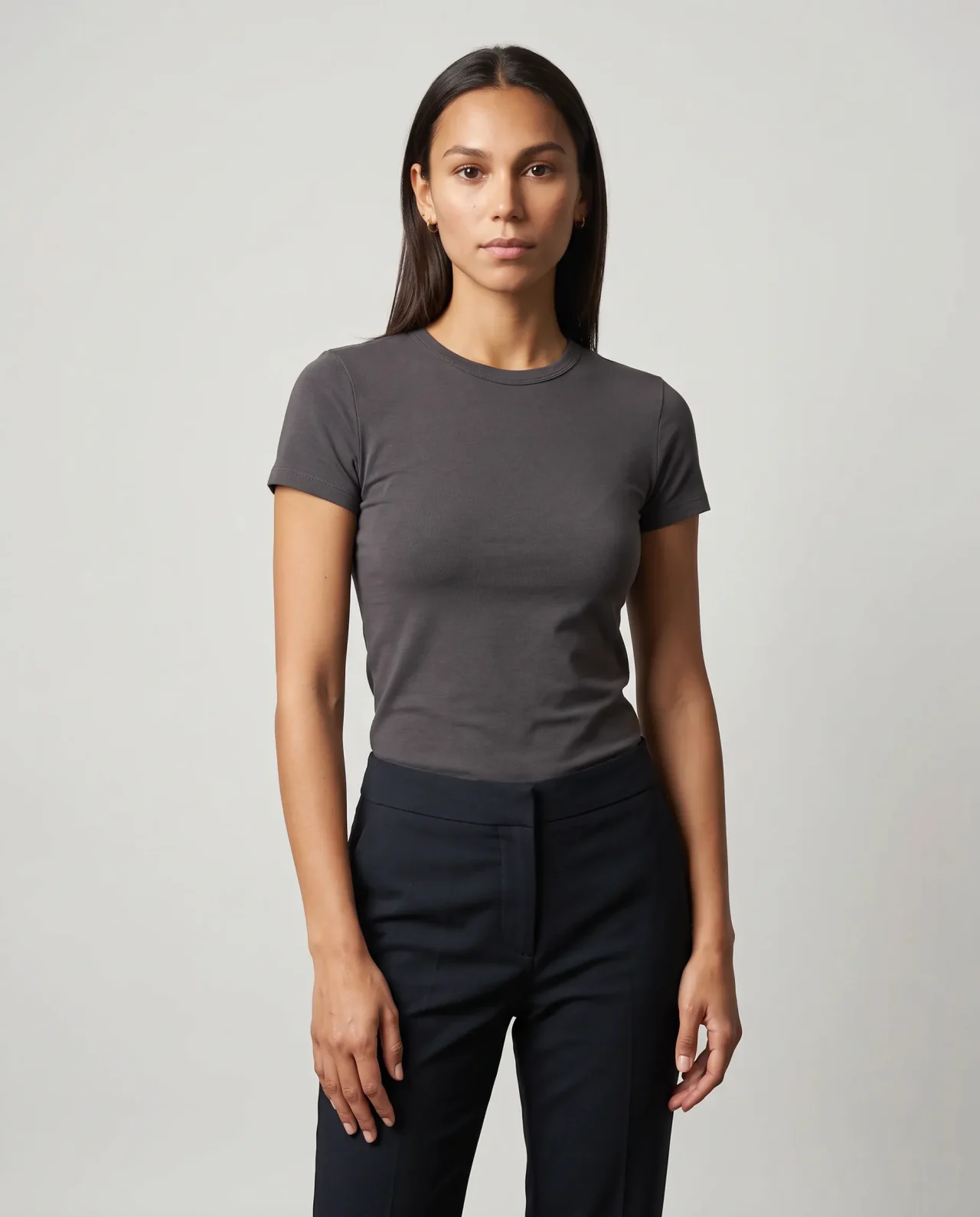
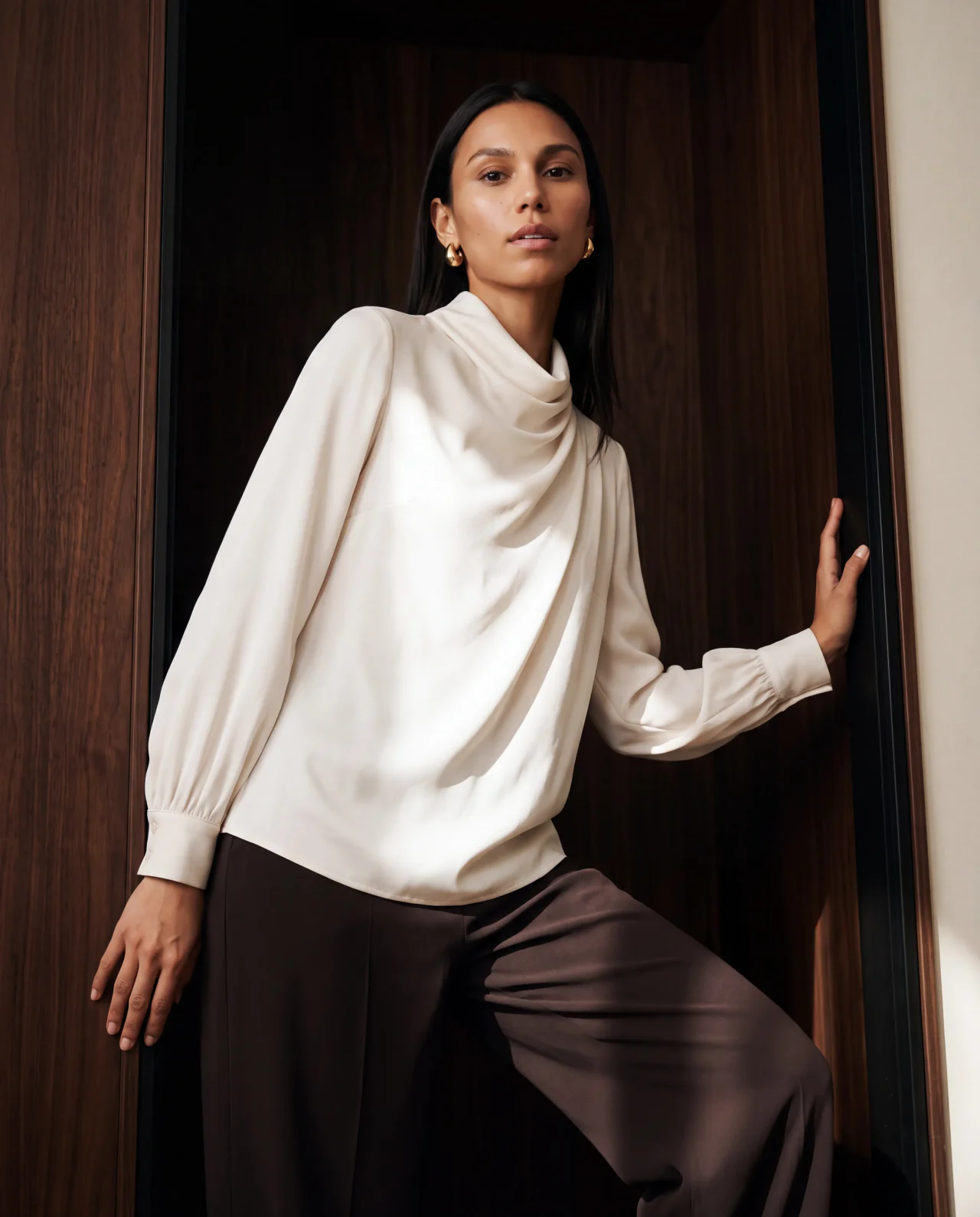
Keep the details that matter. Review shape, materials, and logos, then refine anything that needs attention.
Try it with your productTurn a finished on-model still into a short clip for a product page, launch, or ad. Get more from a look you already like without planning a separate video shoot.
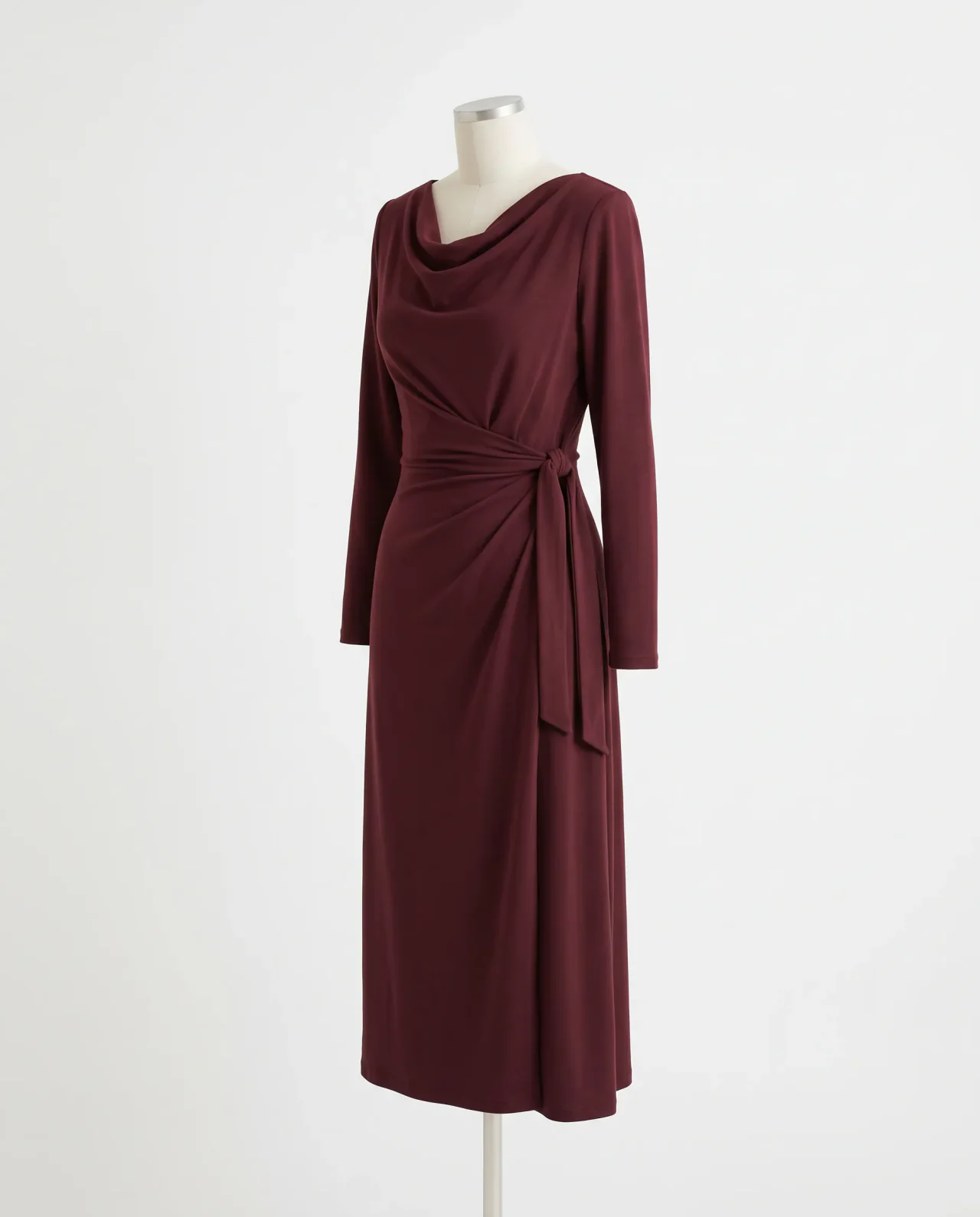
Create the face once, then bring them back when new products arrive. Your brand stays recognizable even as the shoot changes.
Describe the face and feel you want for your brand.
Your direction
“Warm olive skin, dark wavy hair, natural features, a calm editorial presence.”
Generate references
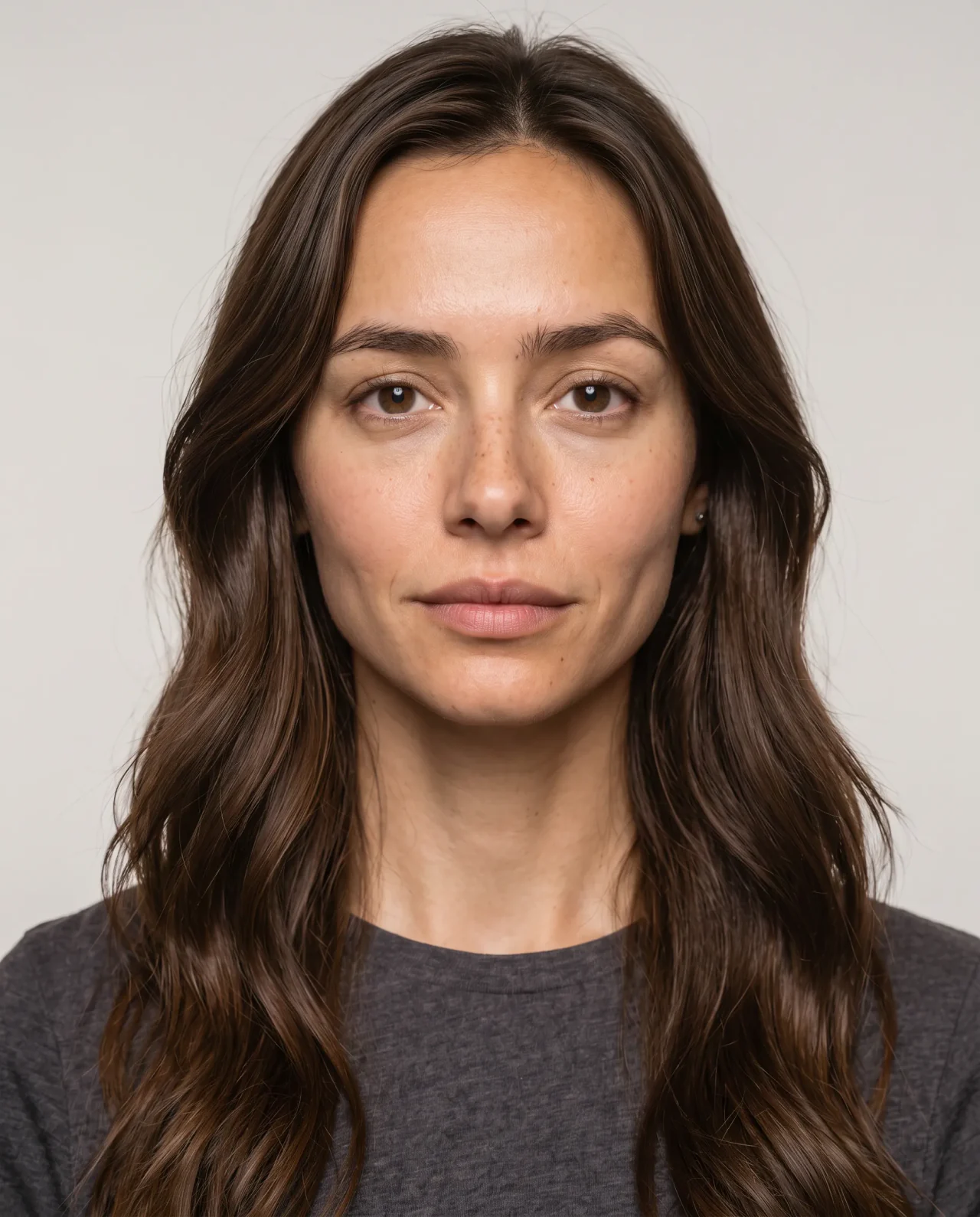
Describe the face and feel you want for your brand.
New York & Company“We're never going to stop loving bitStudio.”
Graphene-XEstimated cost of equivalent on-location production avoided.
Graphene-X created its ThermAdapt campaign package in one day with bitStudio. The Kickstarter went on to reach 1,060% of its funding goal.
Try it on your next collection.
10 free credits · No credit card required
An AI fashion model is a digital person you can use in product photos and videos. In bitStudio, choose one from the model collection or create your own, then use the same face across new shoots and campaigns.
Describe the look you want, review the reference images bitStudio generates, and save the model you like. You can then use them for future shoots. Creating a custom model requires a paid plan.
Yes. Save a model once and bring it back for new products, poses, and settings. Its reference views help it look like the same person across shoots.
Yes. Upload the product imagery you already have, choose a ready-to-use or custom model, and create new poses and settings around your product. Clear images and extra views help when the details matter.
bitStudio can create realistic on-model images, especially when your model and product references are clear. Check materials, fit, fine details, and logos in the finished image before you publish.
Yes. Start with an on-model still and create a short clip, such as a turn or pose change. Use it alongside your stills for social and campaign content, and review the finished clip before publishing.
Yes. New accounts get 10 free credits with no credit card required. You can try on-model shoots; image costs vary by model and resolution. Creating a custom model requires a paid plan.
10 free credits · No card required