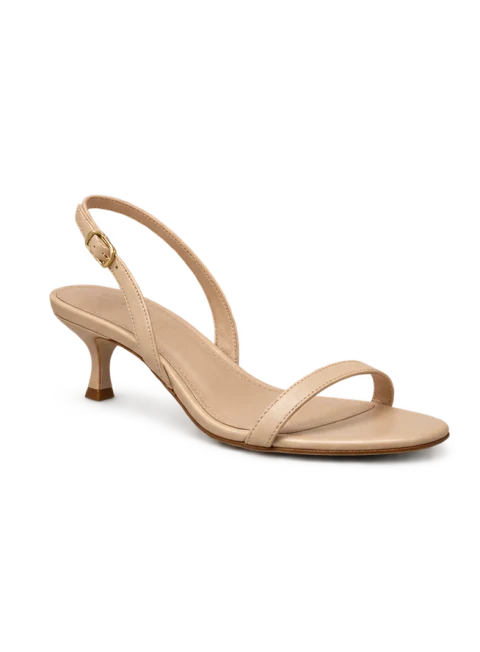
Product
Upload the product once.
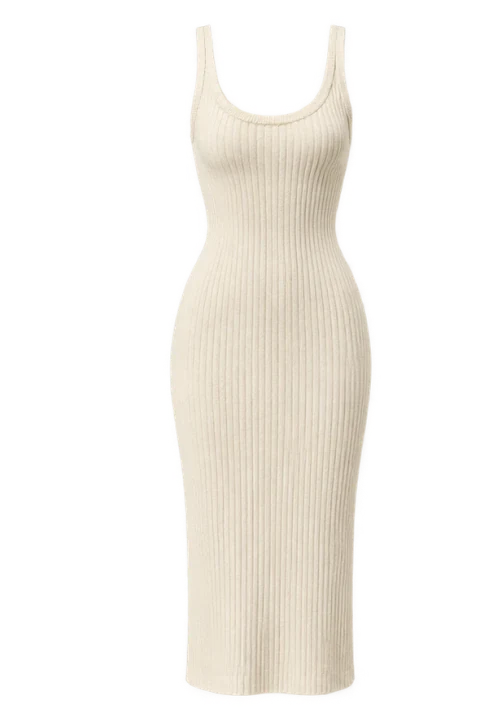
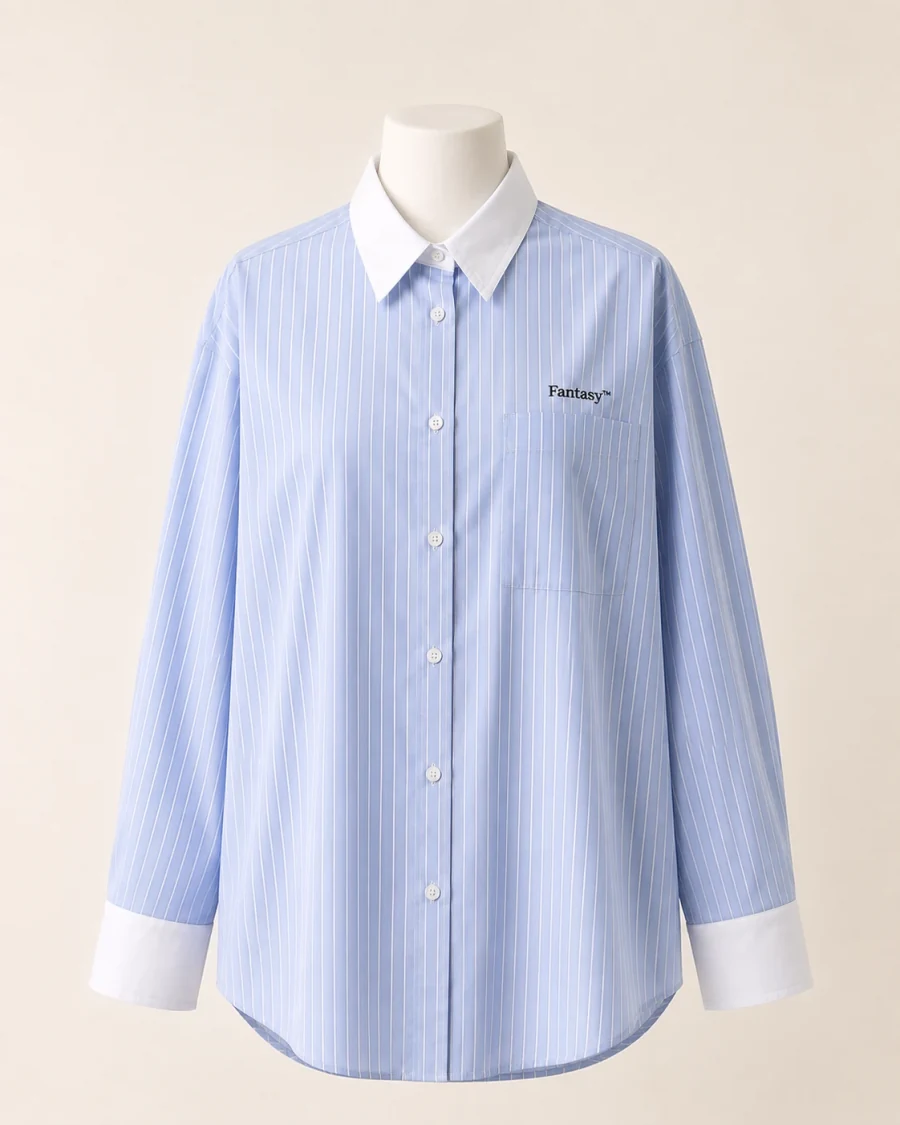
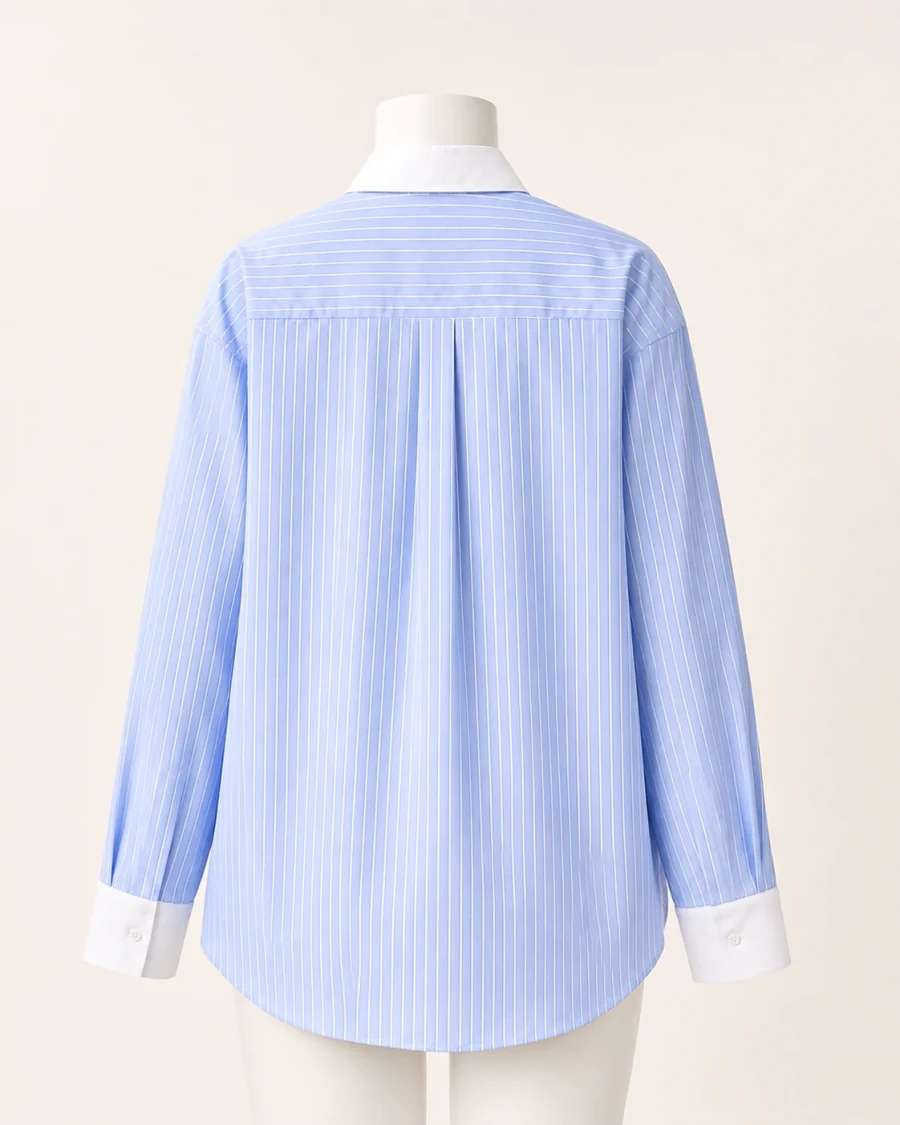
Add product photos from different angles. bitStudio identifies the useful views, checks image quality, and saves the strongest references for generation.

10M+ photos · 500+ brands
AI fashion photography for brands
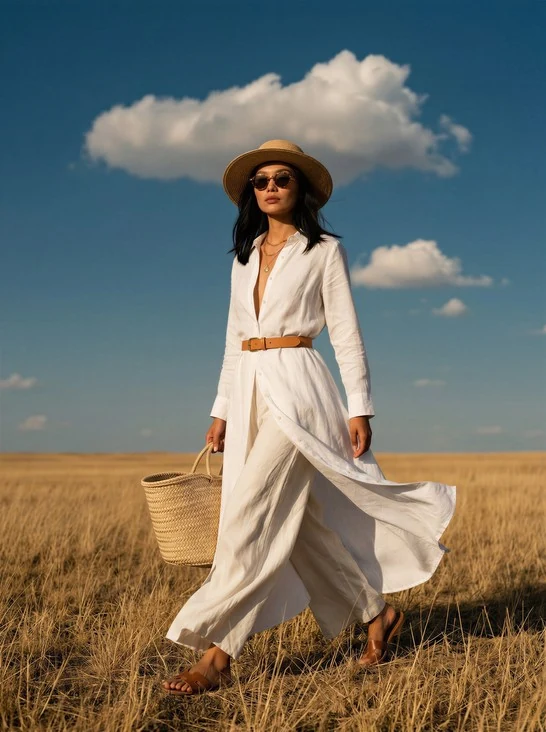
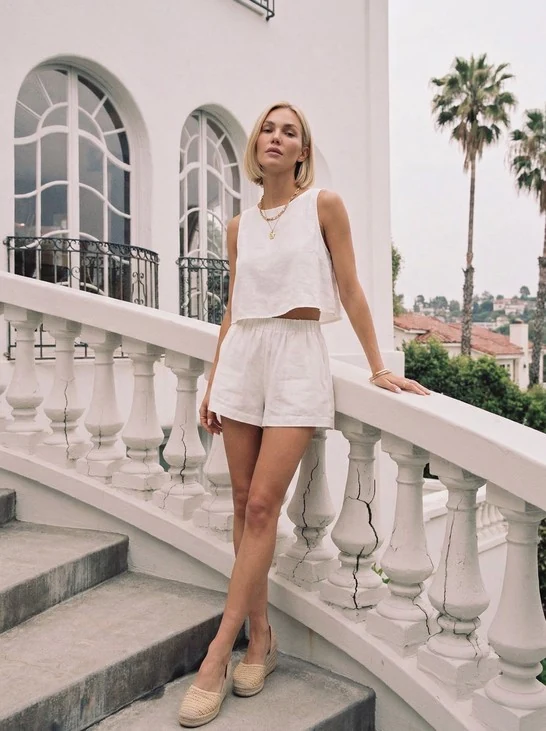
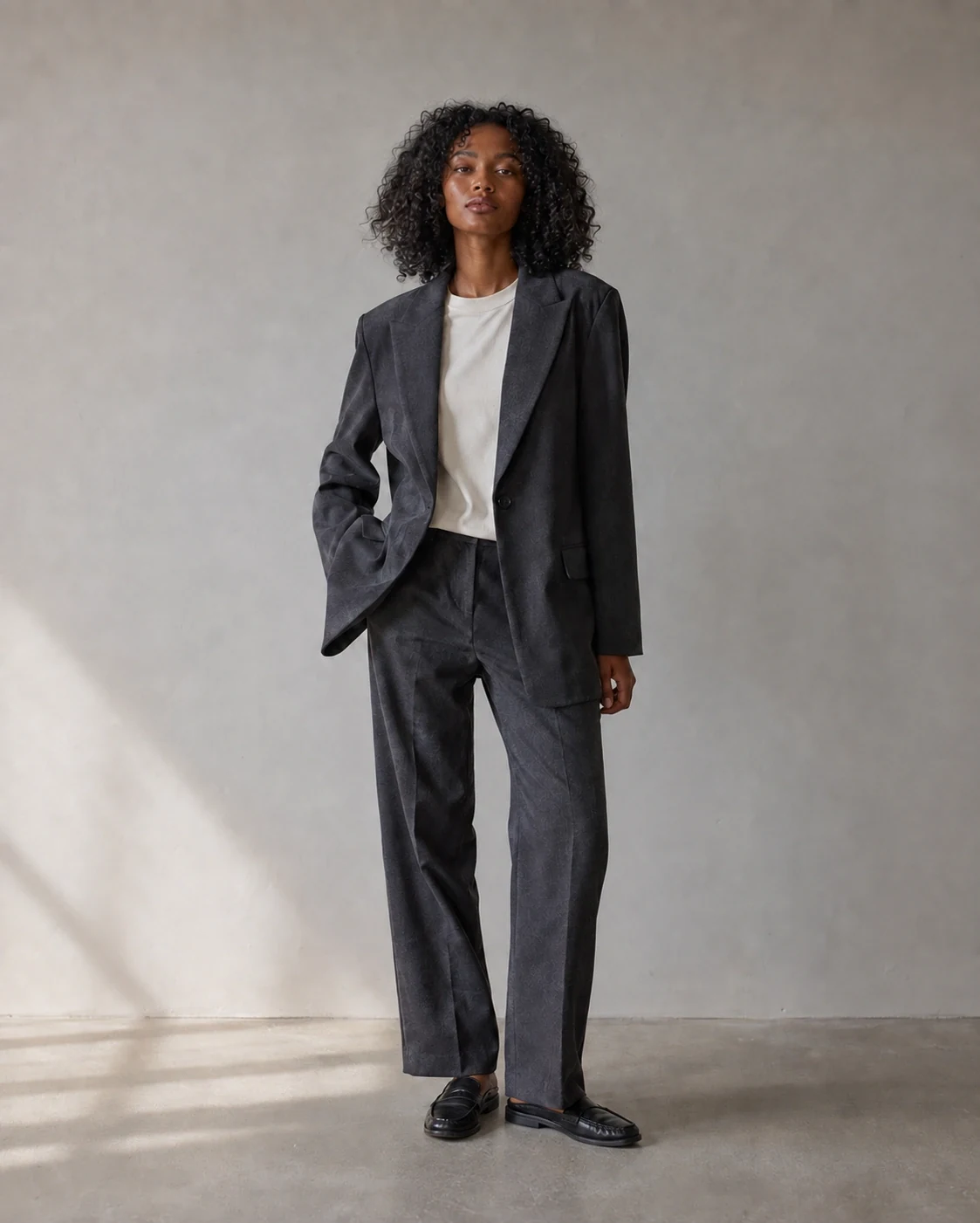
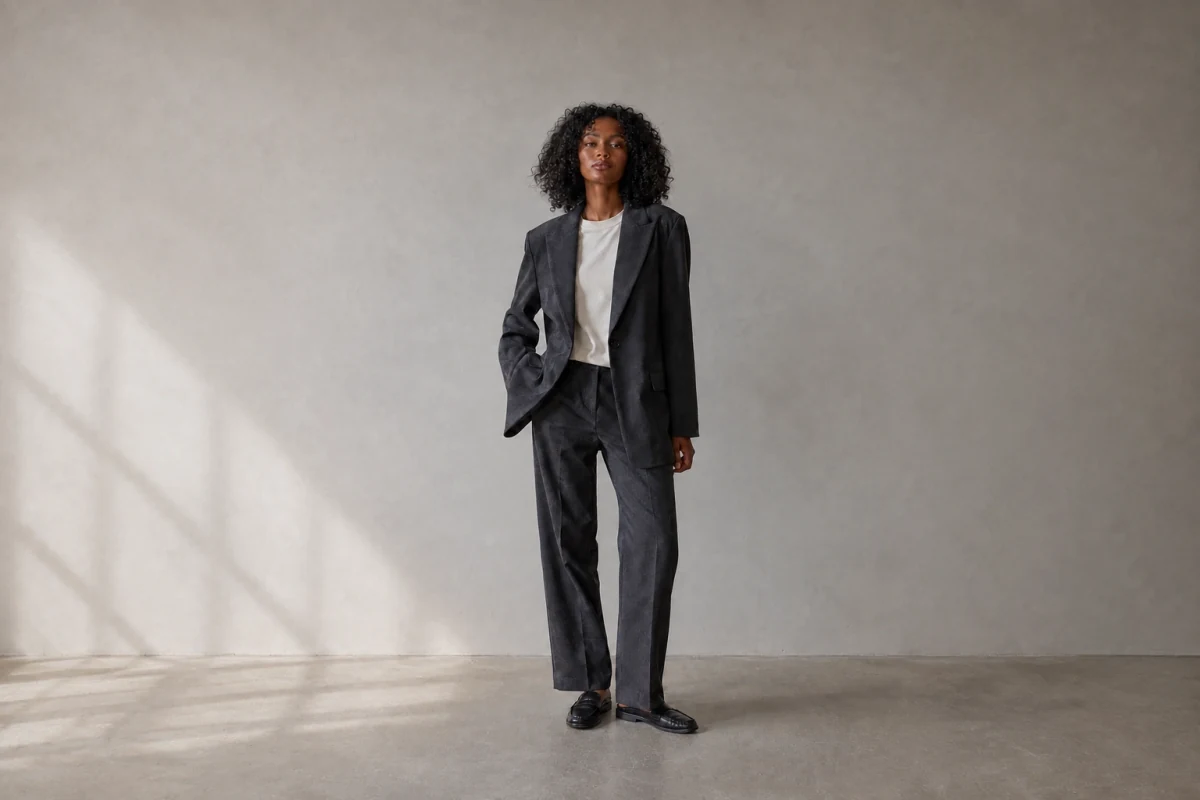
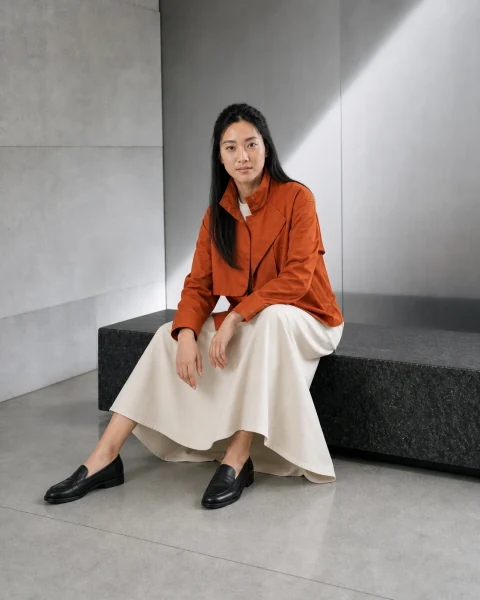
Turn flat lays and product photos into consistent on-model images and videos—ready for your store, ads, and social media.
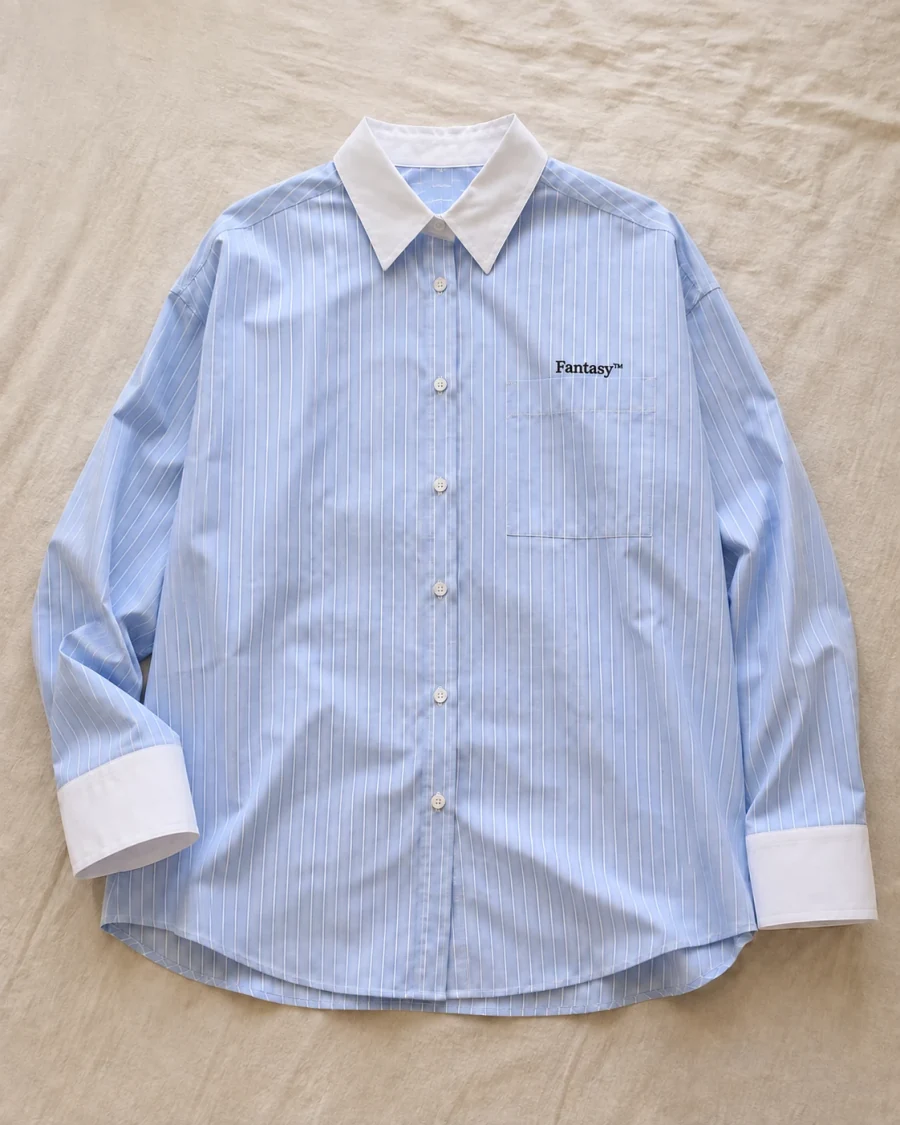
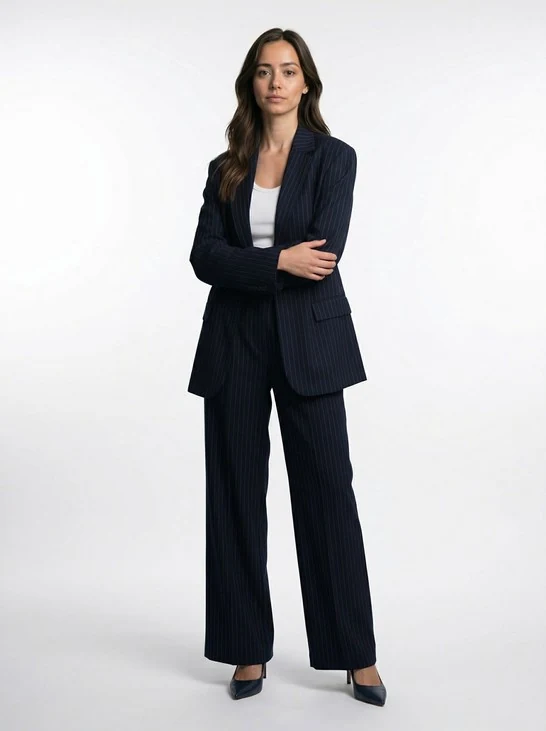
Create AI product photography around your garment, model, and visual direction. bitStudio selects the strongest references and handles the prompting to help keep the product and person consistent.
Your direction
Optimized workflow
References + prompting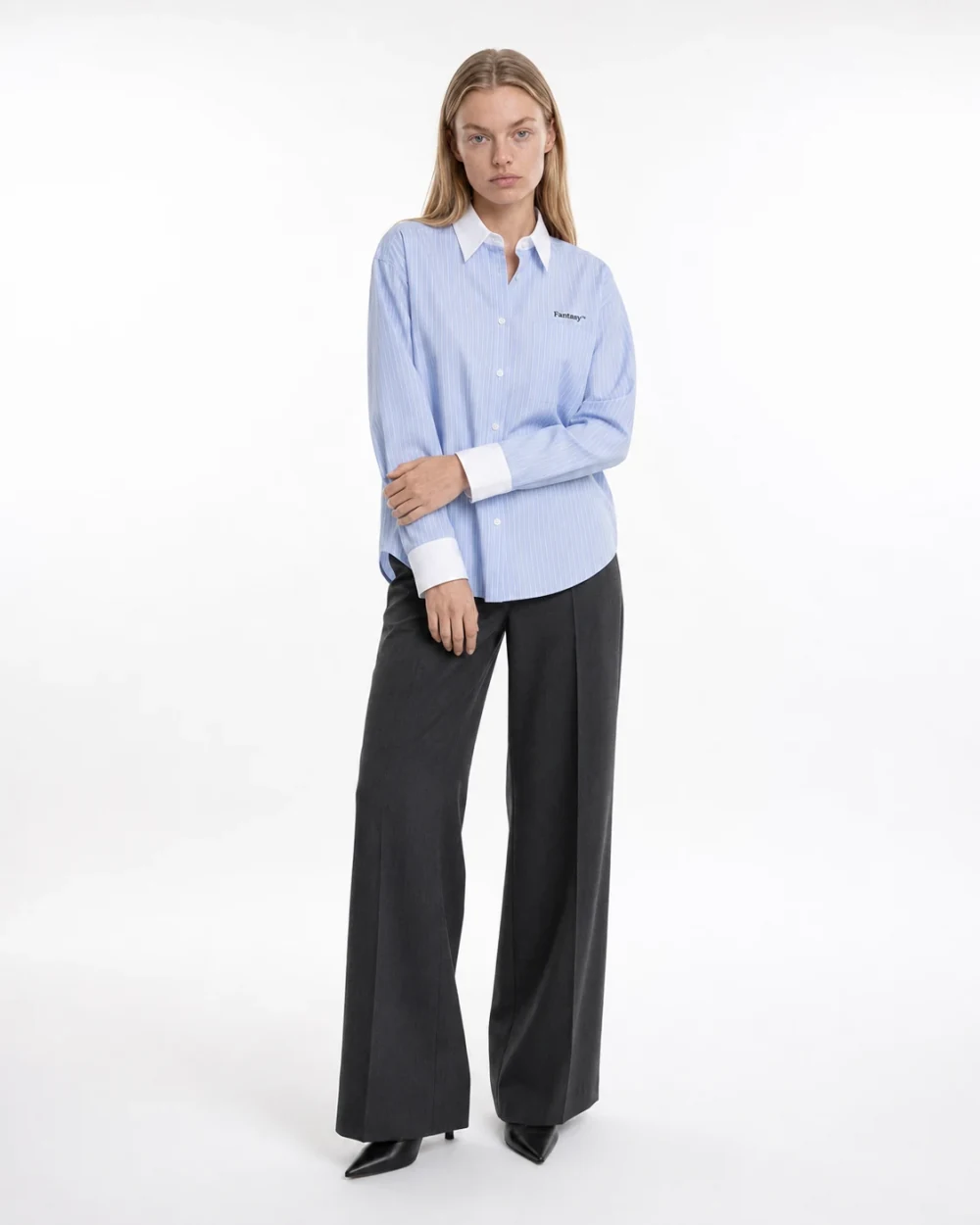
See what it does with your product.
10 free credits · No credit card required
Oxblood draped midi dress
Saved product · 3 photos
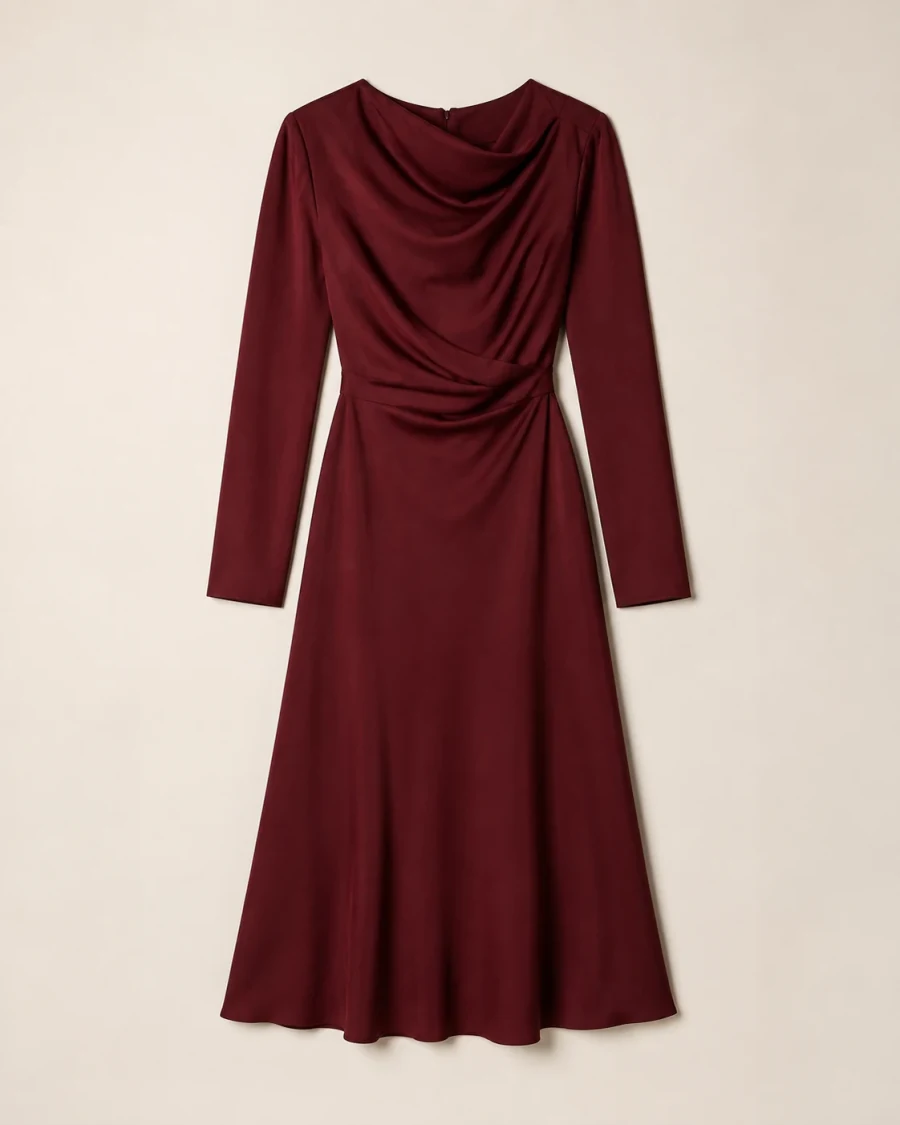
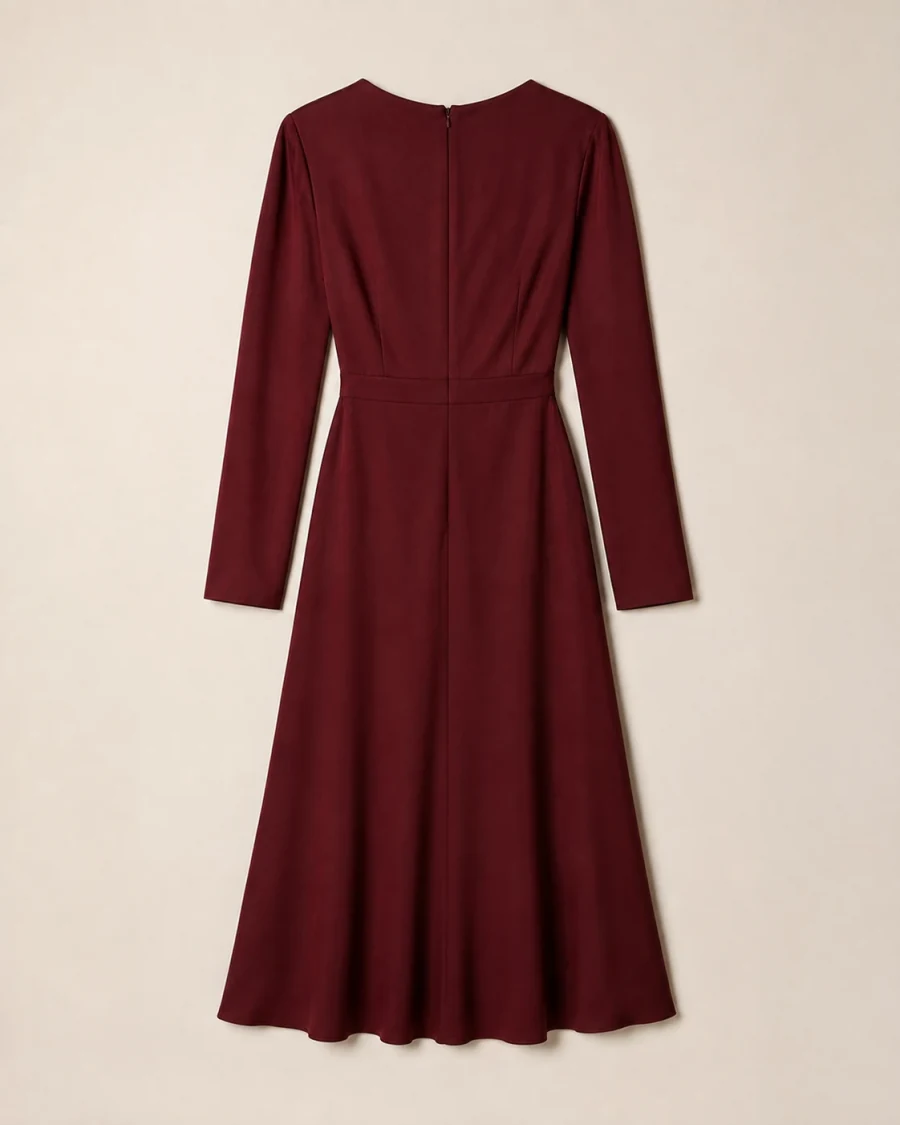
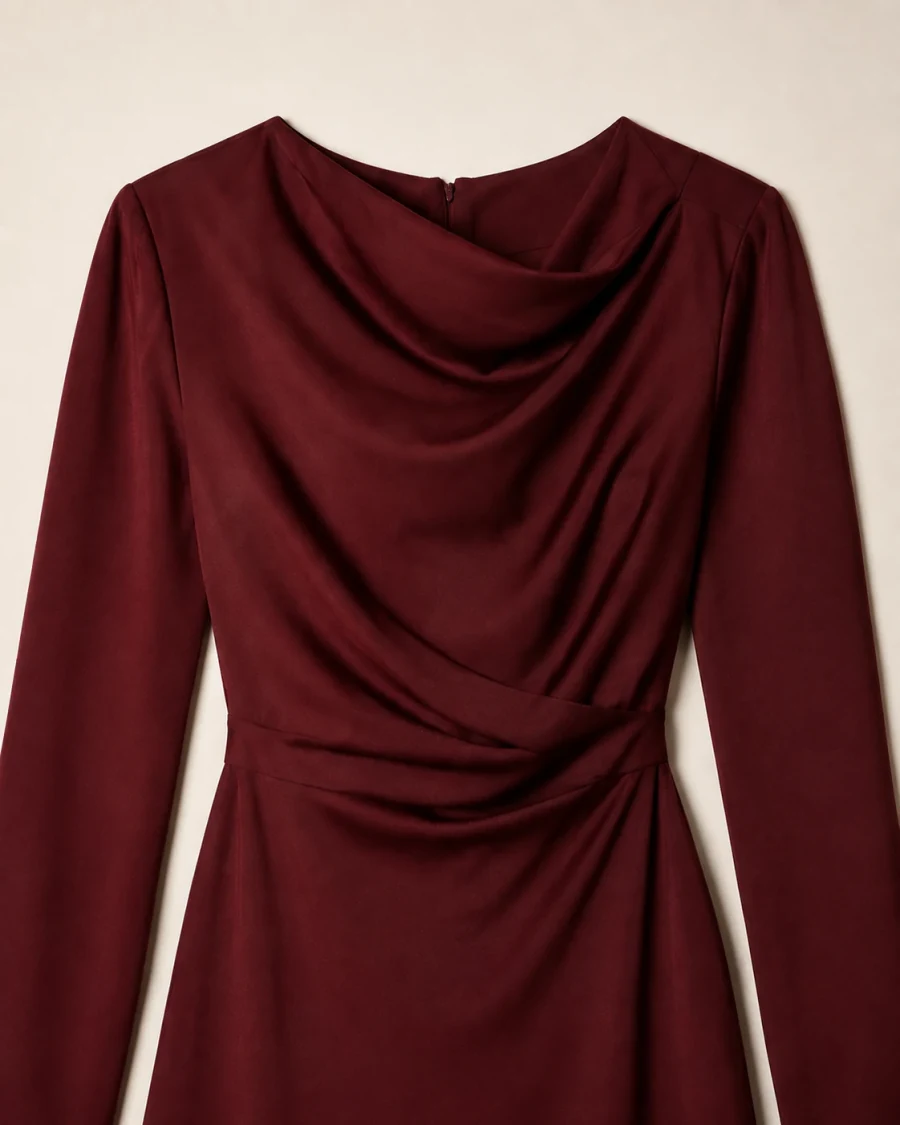
Add product photos from different angles. bitStudio identifies the useful views, checks image quality, and saves the strongest references for generation.
Change the background, remove a detail, or extend an AI fashion image for another placement—without regenerating the model, product, and pose.
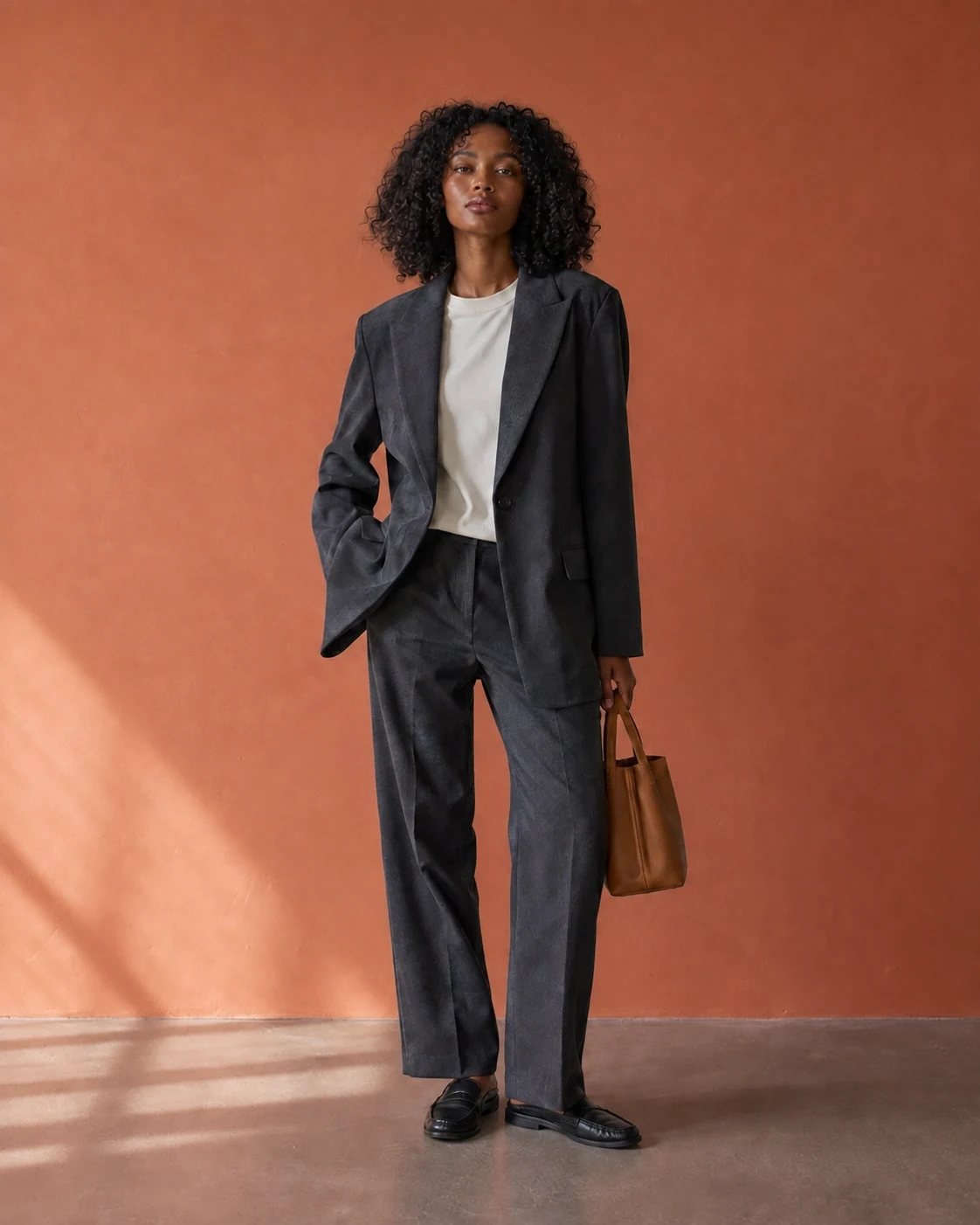
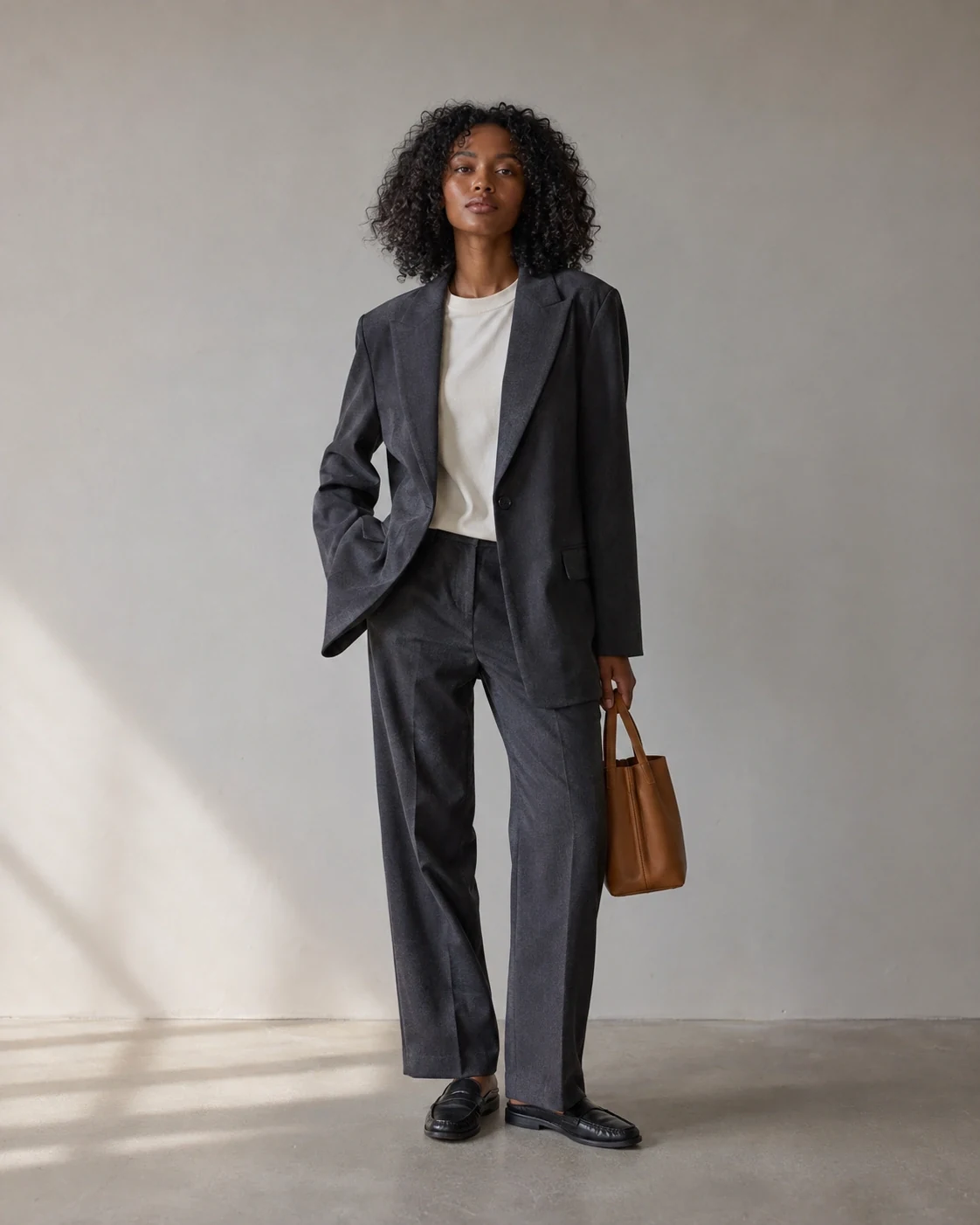
Move an approved fashion photo into a new setting with a simple instruction. Keep the model, outfit, and composition intact.
Generate in batches, edit the set, and finish together. Keep the creative decisions. Skip the repeat setup.
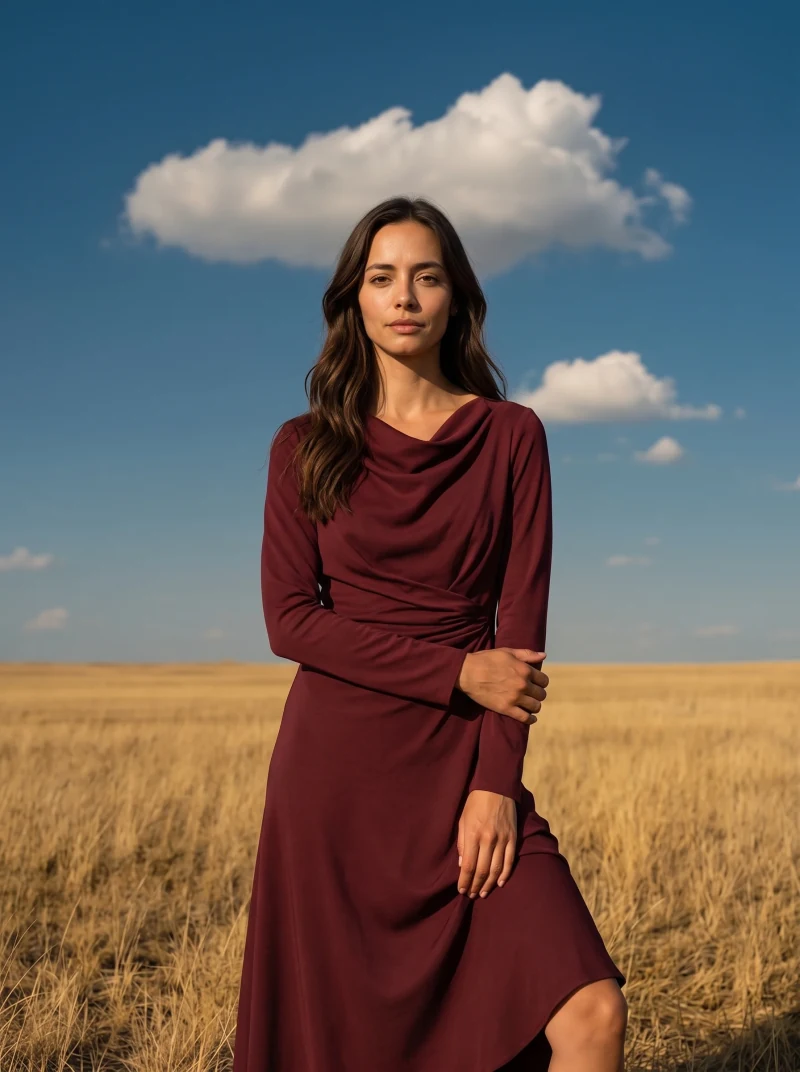
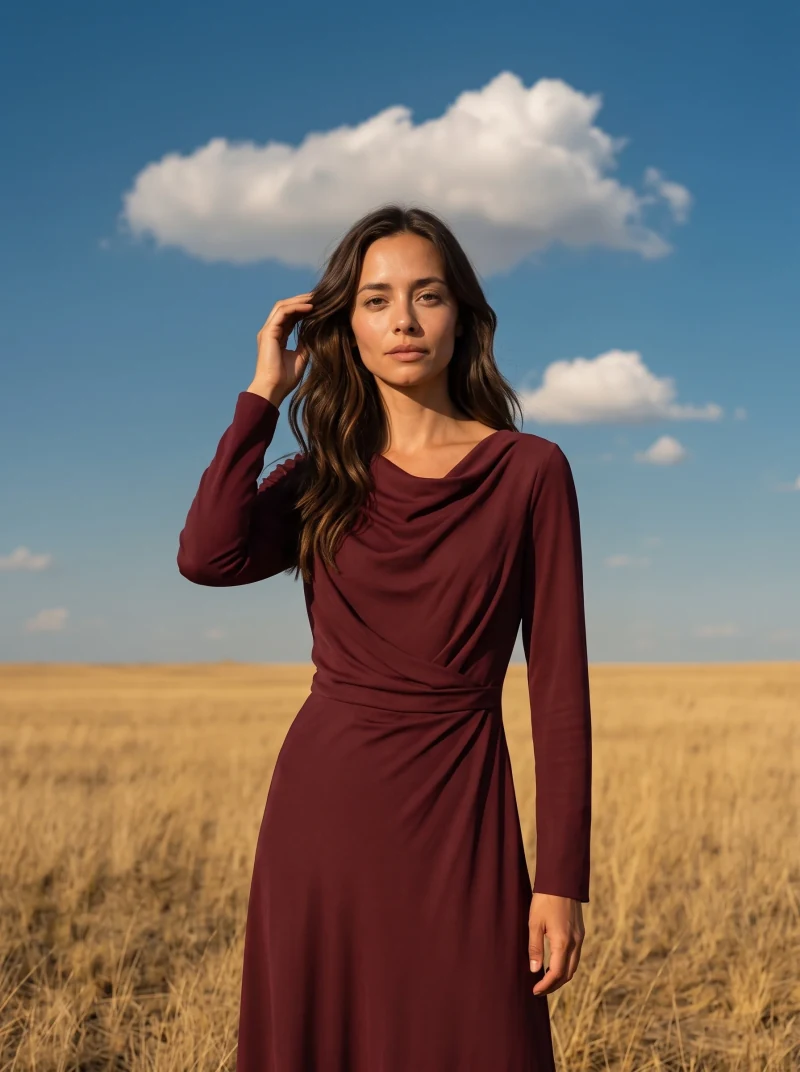
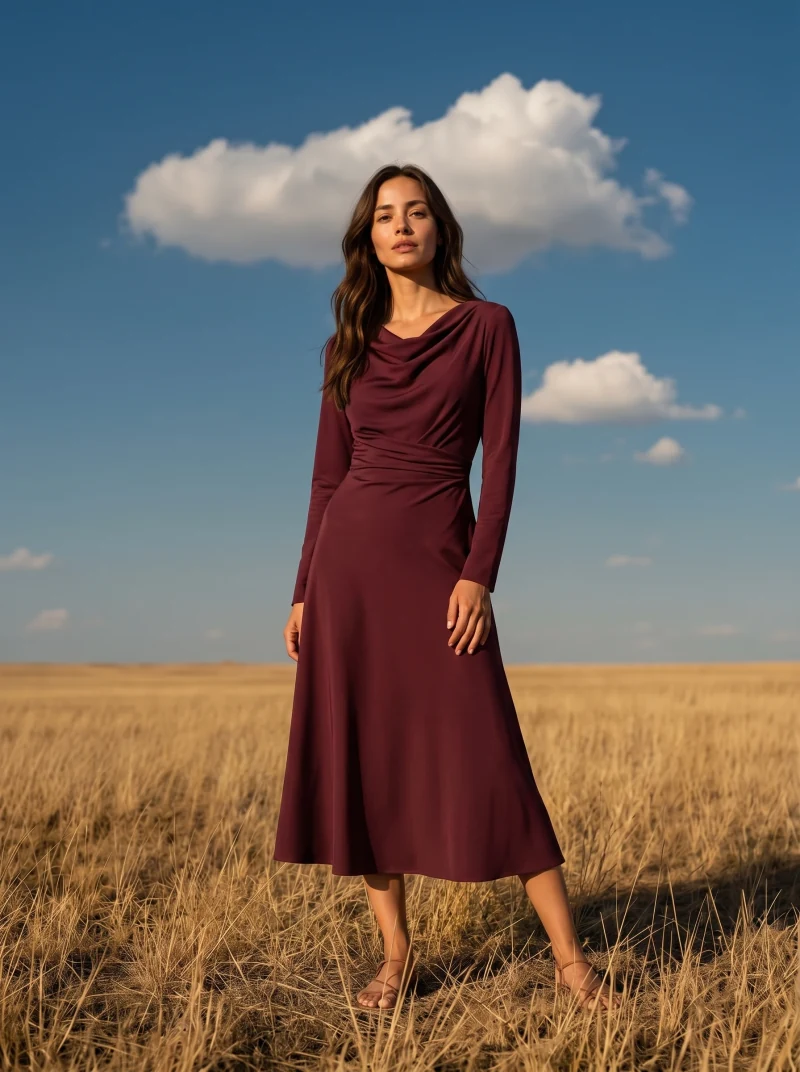
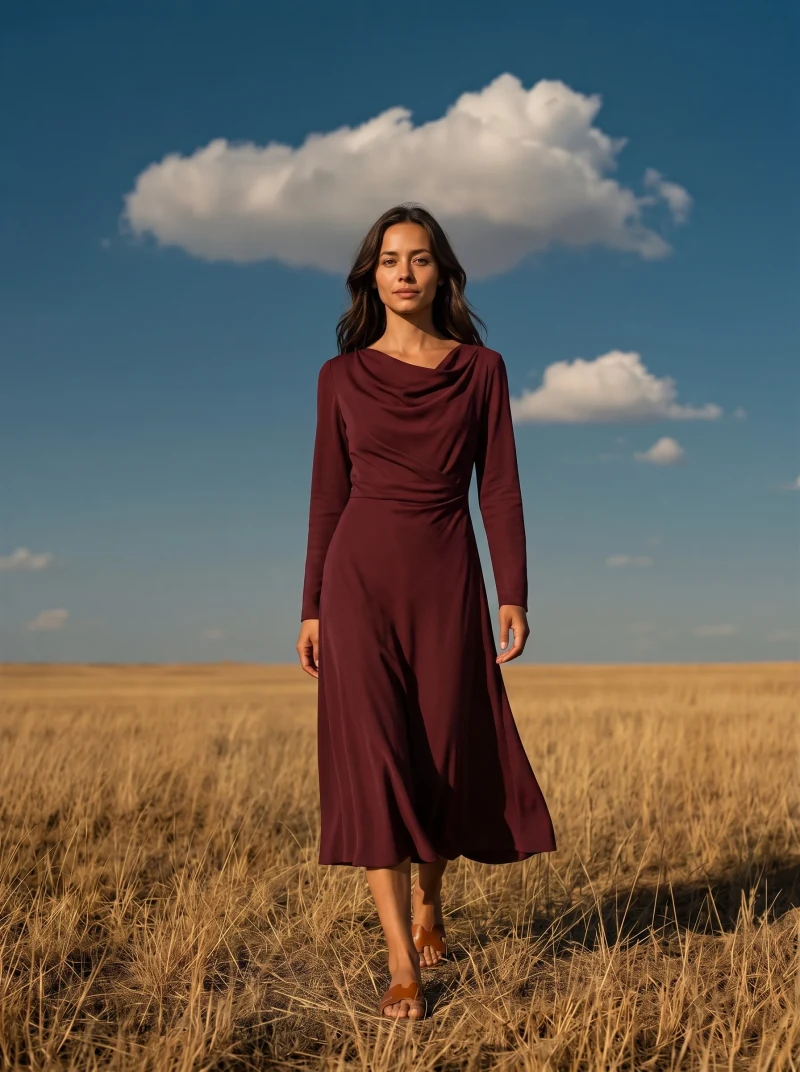
Select products and poses, then generate the combinations in one batch. Reuse the same model and visual direction across the set.
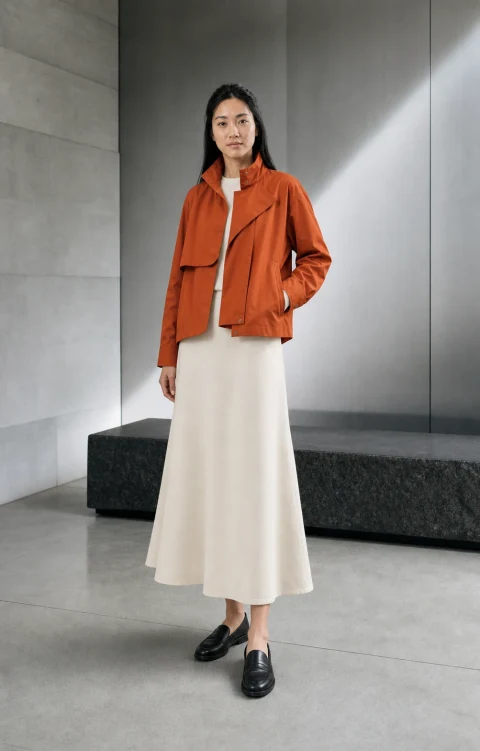
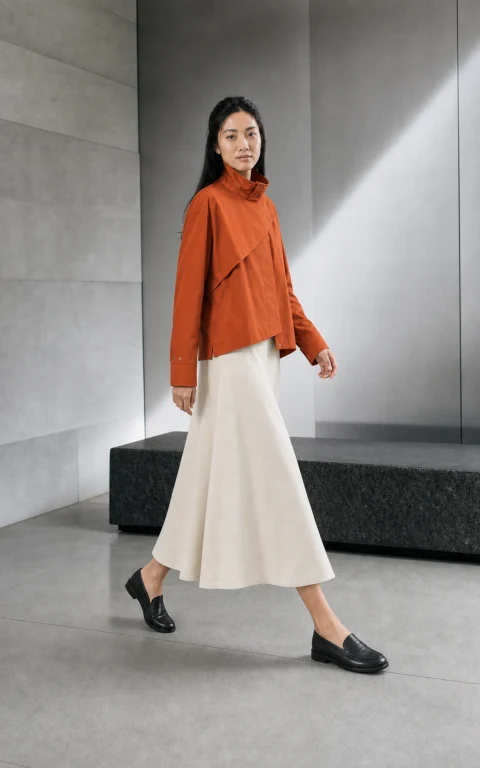
Select multiple images and apply the same editing instruction together. No need to repeat it photo by photo.
Bulk upscale your selected images for larger placements and close-up product viewing, without exporting to another tool.
Invite teammates to your workspace and manage member access. Keep your team’s image production in one place.
Generate and edit with leading image models, all inside bitStudio. We test each workflow for consistency, garment realism, and control.
2K and 4K
2K and 4K
2K and 4K
Your products, saved models, and presets stay in one workspace—so you can change the image model without rebuilding your setup.
Model and resolution availability depend on your plan.
New York & Company“We're never going to stop loving bitStudio.”
Graphene-XEstimated cost of equivalent on-location production avoided.
Graphene-X created its ThermAdapt campaign package in one day with bitStudio. The Kickstarter went on to reach 1,060% of its funding goal.
Try it on your next collection.
10 free credits · No credit card required
bitStudio turns clothing product photos into on-model images, edits, and video. Here’s what to know before your first shoot.
bitStudio is an AI fashion photography studio for ecommerce brands and creative teams. It turns clothing product photos into on-model catalog images, campaign creative, and short videos. Teams can reuse saved products, AI fashion models, and photography presets, then edit and upscale the results in the same studio.
Start with flat lays, mannequin photos, ecommerce packshots, or existing on-model photos. Save several views of your product, choose an AI fashion model and a photography preset, then generate images for your product pages, lookbooks, or campaigns. bitStudio assesses reference quality and flags weak or missing product views.
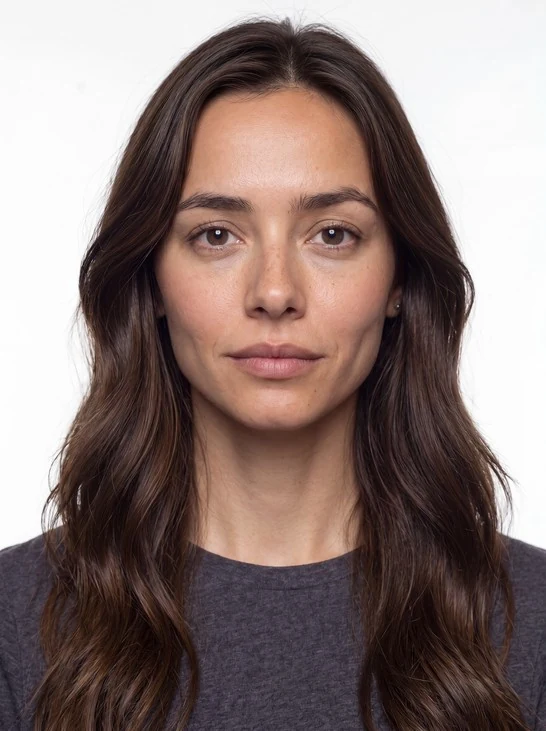
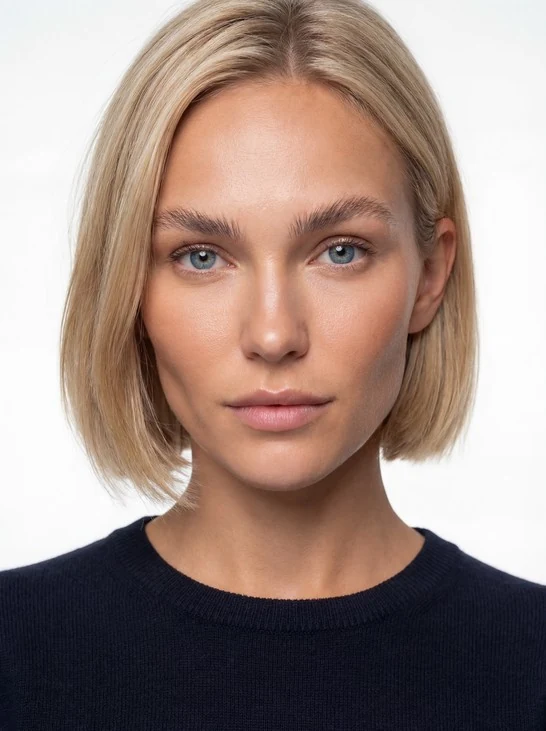
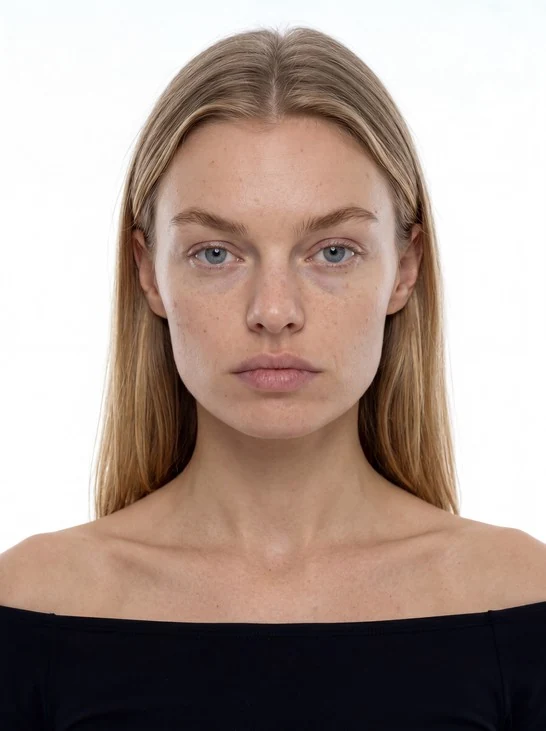
Yes. Start with a ready-to-use avatar or describe your own. bitStudio creates a purpose-built set of model references for identity consistency, lets you approve them, and saves the avatar for reuse across future catalog and campaign shoots.
Explore AI fashion modelsStart with clear, high-resolution product photos and include multiple views when available. These references help preserve the garment’s shape, fabric, color, and details. Review each result before publishing and use targeted editing for details that need correction; AI generation can still introduce differences.
A bitStudio preset is reusable visual direction created from one reference image or a small reference set. It can preserve the setting, lighting, composition, framing, camera feel, and pose language without requiring your team to reconstruct a long prompt.
No. Most workflows begin by choosing the product, model, pose, and setting visually. Text direction remains available for experienced teams that want extra control, while benchmark-tested presets handle the repeatable foundation.
bitStudio provides access to leading image models, including Nano Banana, through fashion-production workflows evaluated for consistency, product realism, and control. The model layer can improve without forcing teams to relearn prompting for every provider.
Yes. Teams can generate image sets in batches, apply edits across selected results, upscale approved images, and create short image-to-video clips inside the same production workflow.
Yes. Describe a change with a text instruction, select an area for a precision edit, or extend the canvas beyond the original frame. These editing tools are available inside the studio.
See the AI photo editorYes. Team workspaces support member invitations and role-based access, so you can bring teammates into the same workspace for image production.
Yes. New studio accounts get 10 free credits, with no credit card required. The number of images depends on the model and resolution you choose. Upgrade when you need more production volume.
Planning a larger collection? Compare plans and credits.
Upload a garment, choose a model and a visual direction, and create your first on-model image. Then reuse the setup across your collection.
10 free credits · No credit card required